
Job board software lets you run a searchable marketplace for jobs from multiple employers. The right platform depends on your operating model: self-serve SaaS, a managed career center, WordPress, or a custom platform. This comparison covers 23 options for associations, publishers, communities, staffing firms, and independent operators.
Disclosure: Cavuno is our product, so this is a vendor-authored comparison. The order is editorial, not an independent test ranking. Use the strengths, limitations, and evaluation criteria below to build a shortlist, then verify current pricing and required workflows directly with each vendor.
If you are defining requirements, start with the job board software buyer's guide. For budgets and quotes, use our software pricing and total-cost worksheet. Association buyers can also compare member access, AMS integration, and career-center operating models.
| # | Software | Often suits | Starting price to verify |
|---|---|---|---|
| 1 | Cavuno | AI-powered job boards with aggregation included; the design pick | $39/month |
| 2 | Niceboard | Associations and non-profits | $319/month annually or $399/month monthly |
| 3 | JBoard | Advanced automation and scaling | $149/month |
| 4 | Job Boardly | Budget-conscious entrepreneurs | $60–240/month |
| 5 | Kardow | Templates with an AI editor and bundled import credits | $79–379/month |
| 6 | SmartJobBoard | Established organizations | Contact sales |
| 7 | JobBoard.io | Publishers and media companies | $449/month |
| 8 | Artha | Free-to-launch for creators | Free |
| 9 | Getro | VC portfolios and startup communities | $2,520/year ($210/month annual equivalent) |
| 10 | YM Careers | Full-service for associations | Contact sales |
| 11 | WP Job Manager | WordPress users wanting full control | Free + add-ons |
| 12 | Careerleaf | Associations needing membership-database SSO | Publisher: $750 setup + $300/month; Community: $5,000 setup + $549/month |
| 13 | Madgex | Career centers and large organizations | Enterprise |
| 14 | Jobiqo | Publishers and media brands | Custom |
| 15 | Job Board Fire | Quick launch with real-time messaging | ~$250/month |
| 16 | eJobSiteSoftware | Self-hosted one-time purchase | $600 one-time |
| 17 | Oru | Creators and newsletter operators | Free |
| 18 | Jobbex | Organizations wanting a proven hosted solution | Setup fee + $295/month |
| 19 | Spacewalk | Education and training providers | £61/month or £49/month annually |
| 20 | Web Scribble | Associations and higher ed career centers | Contact sales |
| 21 | TrueJob | EDOs and chambers of commerce | $850 setup + $475/month, or $425/month billed annually |
| 22 | Boxwood GO | Budget association option from Naylor | $49/month |
| 23 | JobMount | Enterprise platform with source code option | $4,950 setup + $475/month |
Platforms by starting price
Free / Revenue Share
- Artha: Free to launch, pay as you grow
- YM Careers: Contact sales; includes sales support
- Oru: Revenue share on paid postings
- Web Scribble: Partners set their own prices and keep the revenue
Budget Tier ($39-60/month)
- Cavuno: $39/month, AI website builder, aggregation included
- Job Boardly: $60–240/month, 10,000–50,000 active jobs, 1,000–5,000 included imports/month then per-credit aggregation
- Boxwood GO: $49/month, from Naylor for associations
Mid-Tier and Advanced ($79-850/month)
- Kardow: $79–379/month, templates with an AI editor, 2,000–25,000 monthly import credits
- Spacewalk: £61/month or £49/month annually, with Job Stream sold separately
- JBoard: $149-849/month, 3-80 scraper sources
- Getro: From $2,520/year ($210/month annual equivalent), VC portfolio focused
- Job Board Fire: $250/mo, must get a demo
- Jobbex: Setup fee + $295/month SaaS, built by Avidweb Technologies since 1999
- Careerleaf: Publisher $750 setup + $300/month; association-focused Community $5,000 setup + $549/month
Enterprise and Premium ($400+/month)
- TrueJob: $850 setup + $475/month, or $425/month billed annually, for EDOs and chambers
- JobBoard.io: $449-649/month, owned by ZipRecruiter
- Niceboard: $319/month annually or $399 monthly, on a preset hosted theme
- SmartJobBoard: Contact sales, operating since 2008
- Madgex: Custom, enterprise white-glove service
- Jobiqo: Custom, multi-brand publishers
One-Time Purchase
- eJobSiteSoftware: $600, self-hosted with source code
- JobMount: $4,950 setup + $475-700/month hosting (or $14,450 for standalone license)
If you're still deciding between WordPress themes, templates, and managed platforms before comparing individual vendors, start with our job board theme vs. job board software comparison.
How we evaluated the options
Use the same requirements for every vendor, including Cavuno. Ask to see a live job search, employer checkout, listing approval, job alert, and data export. Associations should also test active and expired member access; publishers should test their required embedding and branding; staffing teams should verify application routing. Record which features require a higher plan or custom implementation.
The weights below are an example framework, not published test scores. Adjust them for your operator model and treat mandatory requirements as pass/fail gates. Vendor prices and packaging change; confirm a written quote before purchase.
Our job board software evaluation framework
| Category | Weight | What We Looked For |
|---|---|---|
| Core Features | 25% | Job posting, applicant management, employer portals, candidate database |
| Ease of Use | 15% | Setup time, learning curve, no-code setup |
| SEO & Discoverability | 15% | Google Jobs integration, sitemap generation, structured data, page speed (see our SEO guide) |
| Monetization Tools | 15% | Payment processing, pricing flexibility, featured listings, subscription options |
| Job Aggregation | 10% | Backfilling capabilities, XML feeds, API access, scraping tools |
| Customization | 10% | Design control, white-label options, custom domains, multi-language support |
| Support & Value | 10% | Customer service quality, pricing transparency, overall ROI |
1. Cavuno
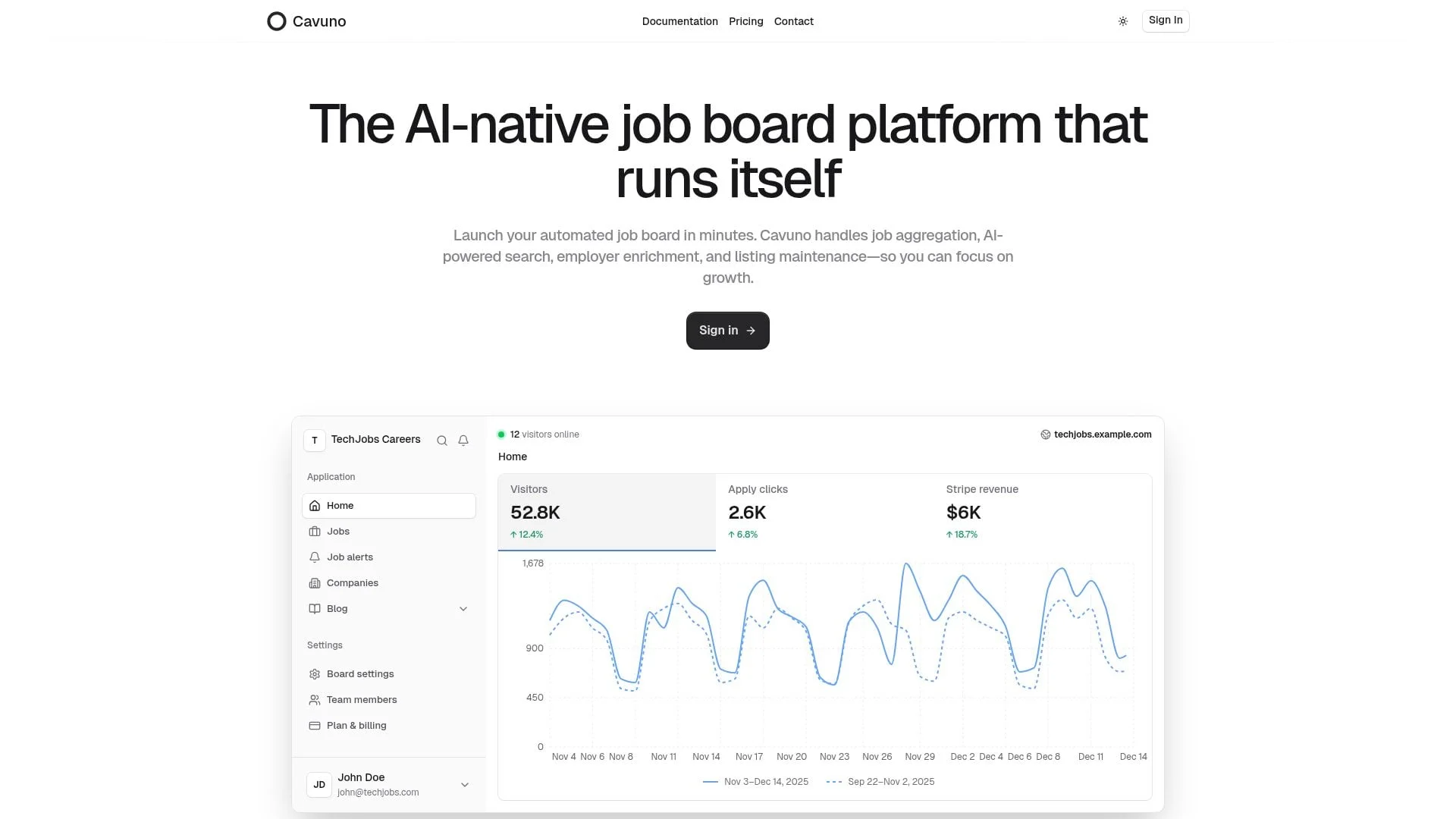
Full transparency: Cavuno is our product. We built it after experiencing the limitations of existing platforms firsthand and building our own job board, Himalayas, into one of the biggest remote job boards in the world. We've included honest pros and cons below.
Best For: Entrepreneurs and communities who want the most design control, through an AI website builder that builds the board from a brief and can change any page or layout, alongside AI-powered job matching and job aggregation included on all plans without per-job fees.
Cavuno pricing
| Plan | Monthly Price | Key Limits |
|---|---|---|
| Starter | $39 | 500 active jobs, unlimited team seats, 1K email subscribers |
| Basic | $105 | 1,500 active jobs, unlimited team seats, 5K email subscribers |
| Grow | $249 | 5,000 active jobs, unlimited team seats, 15K email subscribers |
| Advanced | $449 | 15,000 active jobs, unlimited team seats, 45K email subscribers |
| Scale | $849 | 50,000 active jobs, unlimited team seats, 100K email subscribers |
| Enterprise | Custom quote | Custom commercial terms and allocations |
Annual billing costs $348, $948, $2,388, $4,308, and $8,148 for Starter through Scale, equivalent to $29, $79, $199, $359, and $679 per month.
Key features
Cavuno takes an AI-first approach that sets it apart from legacy platforms, starting with the frontend. The AI website builder creates your board from a plain-language brief: describe the audience, the brand, and what visitors should be able to do, and it produces a draft you review in a live preview. Refine it in the same chat — change any page, add a new one, or select an element to focus a change — adjust colors and fonts in the theme panel, compare versions, and share a draft with reviewers before you publish. Every board starts from a starter theme that passes Google's Core Web Vitals on mobile, so performance is part of the starting experience. Check the finished board; fast pages do not guarantee rankings at launch. Kardow is the only other platform in this comparison with an AI editor, and it applies plain-language edits to a template rather than building the site from a brief.
The builder is not the only way in. On Starter and above, the Cavuno CLI checks your site out as a Git repository, so Claude Code, Codex, Cursor, or another coding agent can edit it and submit a new version for Cavuno to build and check before you publish (use your own coding agent). However you customize the board, Cavuno's starter theme updates still apply: fixes and improvements are merged into each board around the operator's changes and verified before they go live, and a board where an update clashes with a customization is held back until that is resolved. Your edits stay yours. Our updates still reach you.
Our job aggregator is where we really shine. Our job backfill feature imports curated on-site, hybrid and remote jobs from around the web with granular filtering rules. Filter by job title keywords, location, employment type, and other attributes to ensure only relevant jobs appear on your board. You can manage backfill at the company level, enabling or disabling automatic job imports for specific companies, with bulk operations to manage multiple companies at once. Your board will never be empty, even if you don't have time to manually post jobs. Unlike competitors who charge per-job or limit sources, aggregation is included on all plans (up to your active jobs limit).
When you already have data or a partner feed, Jobs → Import covers one-shot CSV and XML uploads with AI column mapping, and recurring XML feeds keep a public feed URL in sync on a schedule—useful for Adzuna-style publisher feeds, ATS exports, and association dumps without a custom worker.
We also use AI throughout the platform to automatically tag jobs and enrich profiles with company culture and biographical information. This isn't just for your convenience, it's a critical part of SEO and improving the job search user experience. Our search uses semantic vector embeddings with keyword matching and neural reranking, so candidates find jobs even when their search terms don't exactly match job titles.
AI job matching is a separate product from search and from job alerts. Signed-in candidates get a Matches page of jobs ranked from their profile and resume, and they can opt into a weekly matching email of those same ranked jobs. Neither list shows a match score. Job alerts remain a saved-search digest: a subscriber sets filters and gets a weekly email when new listings match. One person can have alerts and matching emails. Matching emails are not enrolled automatically, and an empty profile stays empty instead of guessing. Both email streams share the email-subscriber allowance on every paid plan.
When it comes to monetization, you can charge for individual job posts, sell bundles, offer recurring subscriptions, or integrate with Google Adsense. Associations and communities can add memberships, so member companies get member pricing on every plan card and included posts, with posting optionally restricted to members. Cavuno also supports two-sided monetization: job seeker plans let you charge candidates for premium access, from daily passes to lifetime access, with customizable preview counts, per-plan gating of listings, AI job matches, and job alerts, and embedded Stripe checkout. Boards such as FlexJobs and Remote Rocketship illustrate candidate-subscription products. Revenue and profit depend on acquisition, curation, retention, support and delivery costs; a subscription does not make the operation passive. Stripe powers all payments, and we don't take a cut of your revenue.
SEO optimization is also in-built. Programmatic landing pages are generated for categories, locations, markets, and combinations (like "Marketing jobs in Austin") to ensure that your board is found by the right people, at the right time, and structured data makes listings eligible for Google for Jobs. IndexNow notifies participating search engines when jobs change. The Google Indexing API is auto-provisioned for you: Cavuno creates the Google Cloud project, generates credentials, and manages submissions automatically. Finally, our built-in blogging platform means you can write content and earn organic traffic without having to pay for a separate content management system (CMS).
Every paid plan includes a public REST API, a first-party Cavuno CLI for terminal and CI workflows, a hosted MCP server so supported clients can create jobs, manage companies, and publish blog posts, and outbound webhooks that push changes to your systems. Several competitors in this comparison reserve API access for a higher tier, so compare the exact operations and rate limits you need.
Cavuno Companion is the AI assistant built into the dashboard, included on every plan. It answers setup and product questions, helps you think through growth and pricing, shows your board's traffic, jobs and revenue in charts and tables, and makes changes for you, such as renaming a job or updating every draft at once, after you approve them. If it cannot help or you ask for a person, Cavuno's founders take over in the same conversation.
Pros
- Built by the team behind Himalayas, which gets millions of visitors every year
- Job aggregation included on all plans up to your active job limit (competitors charge extra or cap sources)
- CSV/XML bulk import and scheduled XML feed URLs for partner or ATS feeds
- AI job matching (Matches page plus weekly matching emails) and saved-search job alerts, as two separate products
- Hybrid search with semantic understanding outperforms keyword-only search
- API, CLI, MCP server, and webhooks on every paid plan (Starter+) for agents and automation
- Self-serve member SSO (OpenID Connect/OAuth 2.0, Okta preset) on every plan, where competitors like Niceboard gate SSO to their top tier
- Built-in blog for content marketing
- No revenue share (keep everything you earn)
- AI website builder creates and edits the whole frontend from a description, with versions and share links
- Edit the site with your own coding agent through the CLI, and keep receiving starter theme fixes and improvements after you customize
- Strong SEO foundation out of the box, with a starter theme that passes Core Web Vitals
- Cavuno Companion, an AI assistant that answers questions, shows your board's numbers in charts and makes approved changes, plus same-conversation founder support, on every plan
Cons
- Stripe is currently the only payment processor
- API, CLI, MCP, and webhooks require a paid plan (not available on free)
Verdict
Cavuno's AI-first approach and included aggregation solve the two biggest challenges for new job board operators: getting enough jobs to look credible and matching them intelligently to qualified candidates. AI job matching (on-site Matches plus weekly matching emails) sits next to saved-search job alerts rather than replacing them. Programmable access (API, CLI, MCP) on every paid plan sets it apart from platforms that lock automation behind enterprise tiers. Our pricing is competitive, especially with Starter at $39 month to month or $348 per year ($29/month equivalent) for entrepreneurs just getting started.
2. Niceboard
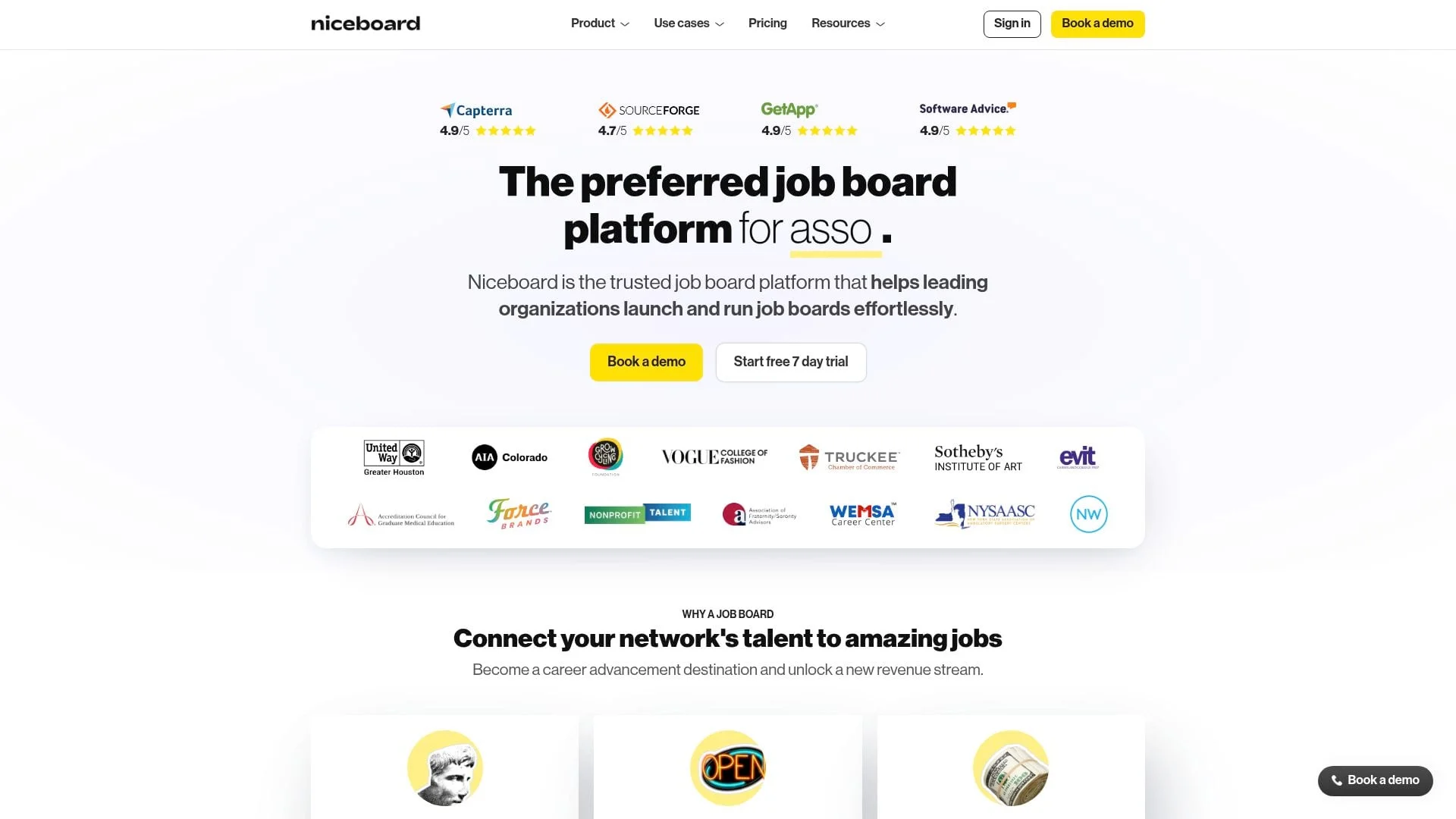
Best For: Professional associations, non-profits, universities, and communities that want a preset hosted theme and association case studies.
Niceboard pricing
Niceboard's published pricing lists Core at $399/month or $319/month billed annually for 5,000 active jobs; Advanced at $599/month or $479/month billed annually for 10,000; and Custom, with a 30,000-job limit, by sales quote. Advanced adds logo removal. Custom adds API access, SSO, and a custom email domain.
Key features
Every Niceboard board starts from the same clean, preset theme, so a new board is presentable from day one. You customize it through the theme's options and custom code that overrides its CSS; the page structure stays the theme's.
Standard plans are a flat monthly subscription, and Niceboard says it takes no cut of your revenue. A hybrid or revenue-share pricing option is listed only for enterprise and association deals arranged through sales.
Job backfilling pulls from partners like Adzuna, Indeed, and Appcast. There's also a web scraper for importing jobs from specific sites.
Niceboard says it has paid out more than $3.7 million in earnings to its customers, which demonstrates proven monetization potential. Setup time is advertised at 5-10 minutes.
Pros
- Clean preset theme, ready to launch quickly
- Great reputation among associations and non-profits
- Proven monetization with millions paid to customers
- Quick setup time
- Solid customer support
Cons
- Starts at $399/month on monthly billing
- API access only on higher tiers
- Analytics could be more detailed
- Higher entry price than budget flat-rate competitors
- Not as much customization available
Verdict
Niceboard is a popular choice for associations and non-profits that want a hosted board on a preset theme. If the $399/month entry price fits your budget, it's worth evaluating. If design is your priority, Cavuno's AI website builder builds the board around your brand and can change any page or layout. Just compare the higher entry price against lower-cost flat-rate platforms based on your expected volume. For a deeper look at association-specific options, see our best job board software for associations guide.
3. JBoard
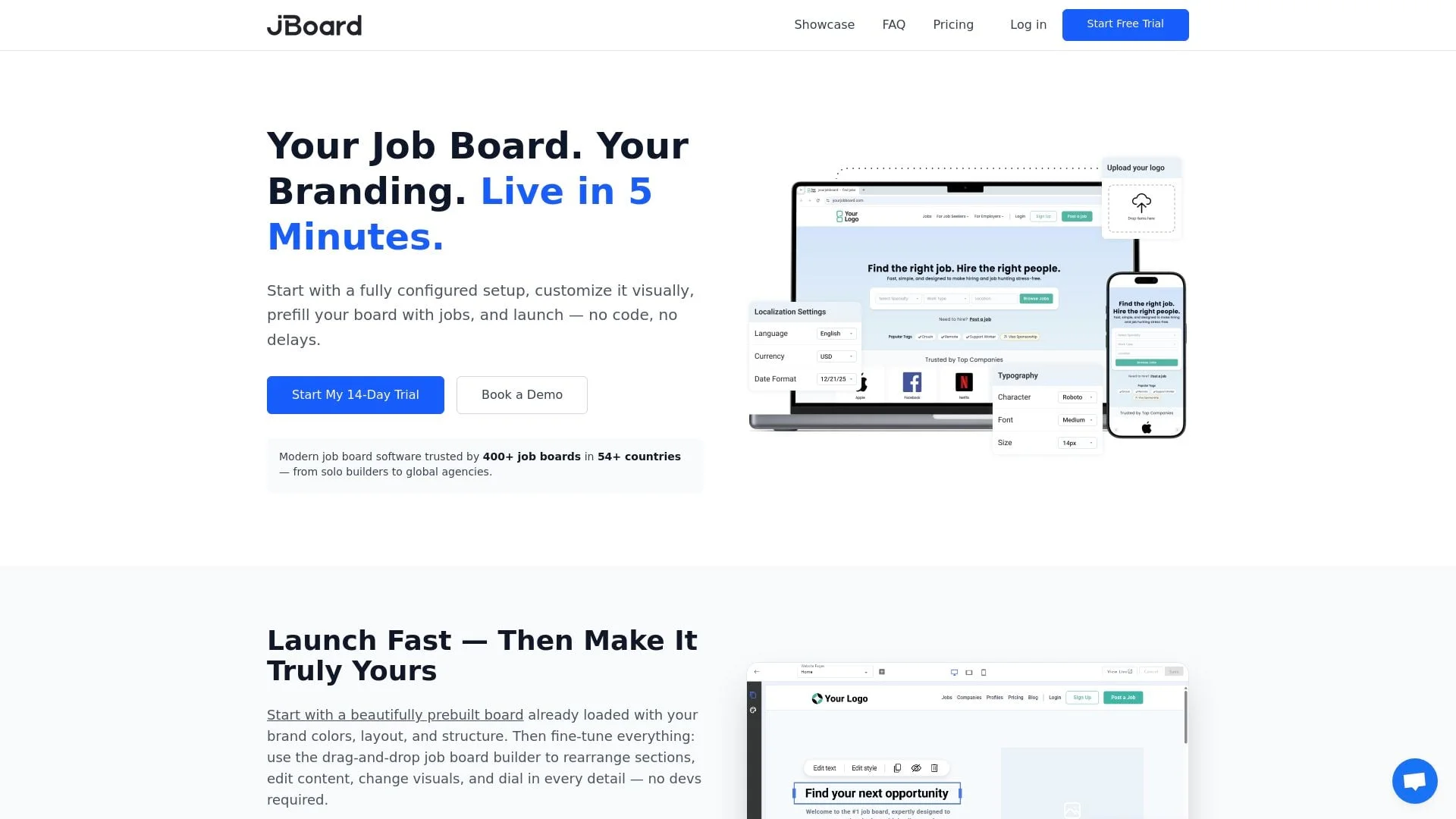
Best For: Staffing agencies, regional job board operators, and anyone who prioritizes automation and extensive job aggregation.
JBoard pricing
| Plan | Monthly | Annual | Key Limits |
|---|---|---|---|
| Basic | $149 | $119 | 1,000 jobs, 3 scrapers |
| Standard | $249 | $199 | 3,000 jobs, 10 scrapers |
| Advanced | $449 | $359 | 10,000 jobs, 30 scrapers |
| Scale | $849 | $679 | 30,000 jobs, 80 scrapers, API |
| Enterprise | Custom | Custom | Custom limits |
14-day trial available.
Key features
JBoard's standout capability is job aggregation. The platform supports 3 to 80 job scrapers on self-serve plans, with custom limits on Enterprise. If filling your board with relevant jobs from across the web is your priority, JBoard delivers.
The drag-and-drop website builder makes customization accessible without coding. JBoard also auto-generates SEO landing pages for job categories and locations, which is important for organic traffic.
JBoard says it serves more than 500 boards across 38+ countries. Its public pricing page lists international payment support; confirm your required currency, tax, and payout workflow during the trial.
Pros
- Strong job scraping and aggregation capabilities
- Public reviews to evaluate alongside a live trial
- Strong customer support
- Comprehensive monetization toolkit
- Good international coverage
Cons
- Pricing runs higher than budget alternatives
- API access starts on the Scale plan
- AI auto-tagging only available on Advanced plan ($449/month) and above
Verdict
JBoard is the powerhouse for operators who want to scale fast with automation. If your strategy involves aggregating massive volumes of jobs from many sources, JBoard is a good choice. Just budget accordingly. This isn't the cheapest option.
4. Job Boardly
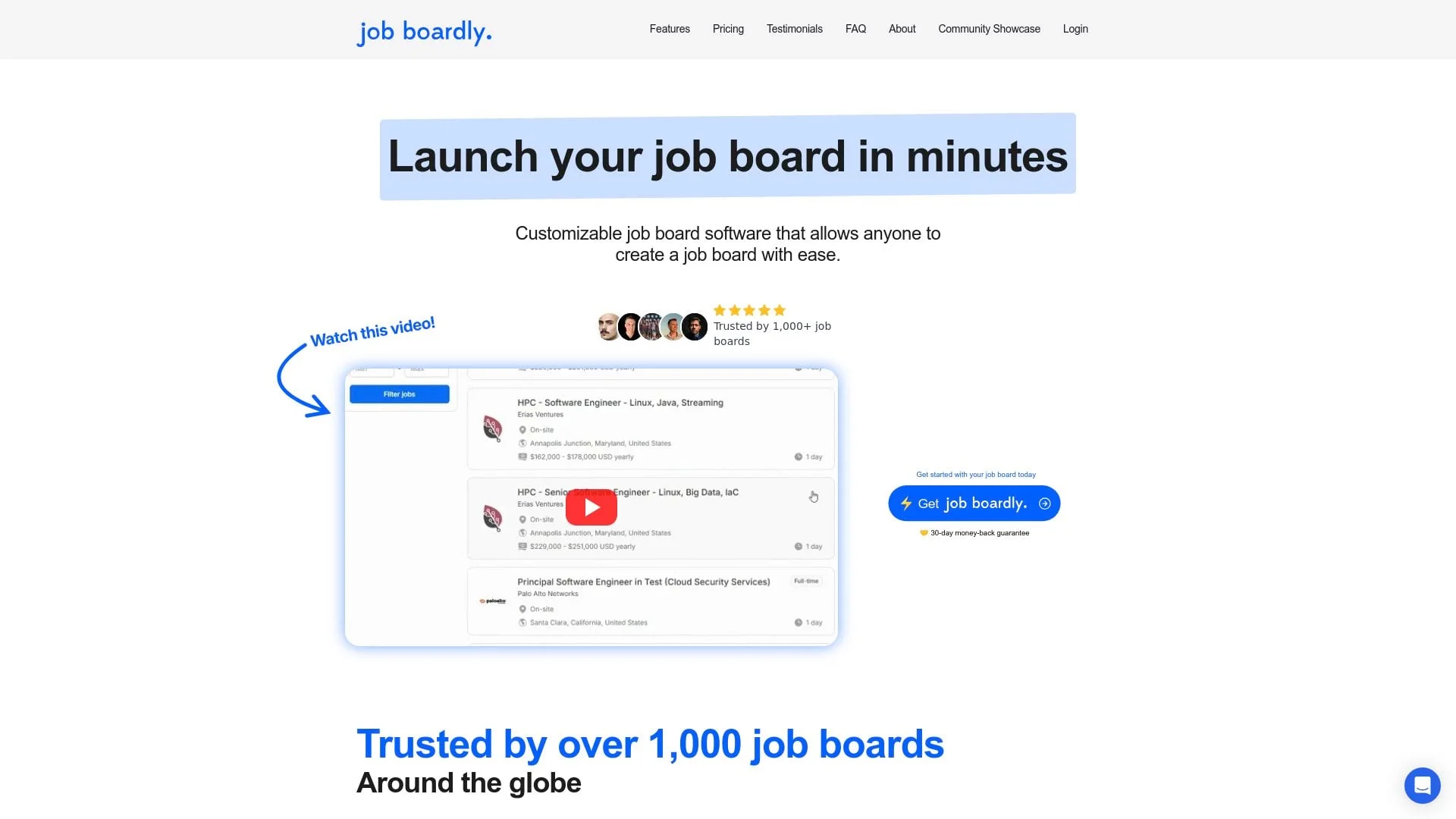
Best For: Entrepreneurs, solopreneurs, and first-time job board creators on a tight budget.
Job Boardly pricing
| Plan | Monthly | Annual | Details |
|---|---|---|---|
| Standard | $60/month | $40/month ($480/year) | 10,000 active jobs, 1,000 imports/month, 2 team members, candidate and employer profiles |
| Pro | $120/month | $80/month ($960/year) | 20,000 active jobs, 2,000 imports/month, 5 team members, branding removal, employer subscriptions, API and webhooks |
| Ultra | $240/month | $160/month ($1,920/year) | 50,000 active jobs, 5,000 imports/month, 10 team members, headless API, in-product messaging, priority support |
Extra import credits once the monthly allowance runs out: $0.010–$0.012 each, sold from $12 per 1,000 credits (down to $0.010 each at 10,000). 30-day money-back guarantee.
Key features
At $60/month with up to 10,000 active jobs on Standard, Job Boardly is a lower-cost option for anyone testing a niche or bootstrapping on a limited budget.
The Job Backfiller and Job Aggregator provide access to over 12 million jobs for backfilling. Setup time is advertised at just 5 minutes.
Google Jobs integration and Indexing API support help with discoverability (though you'll need to set up the Google Cloud project yourself, and there's no built-in IndexNow for Bing coverage). There's also a paywall feature for monetizing job seekers.
Pros
- Standard plan starts at $60/month ($40/month billed annually)
- Candidate and employer profiles on every plan
- Strong backfilling automation with 12M+ jobs available
- Quick setup
- 30-day money-back guarantee reduces risk
Cons
- Active jobs are capped by plan (10,000 on Standard, 20,000 on Pro, 50,000 on Ultra)
- API access and branding removal require Pro plan ($120/month)
- Imports beyond the monthly allowance are paid credits, which can add up at volume
Verdict
Job Boardly is a reasonable option for testing a job board concept on a tight budget. At $60/month, you can validate your niche, though import credit costs and the Pro plan requirement for branding removal and API access should be factored into your total spend.
5. Kardow
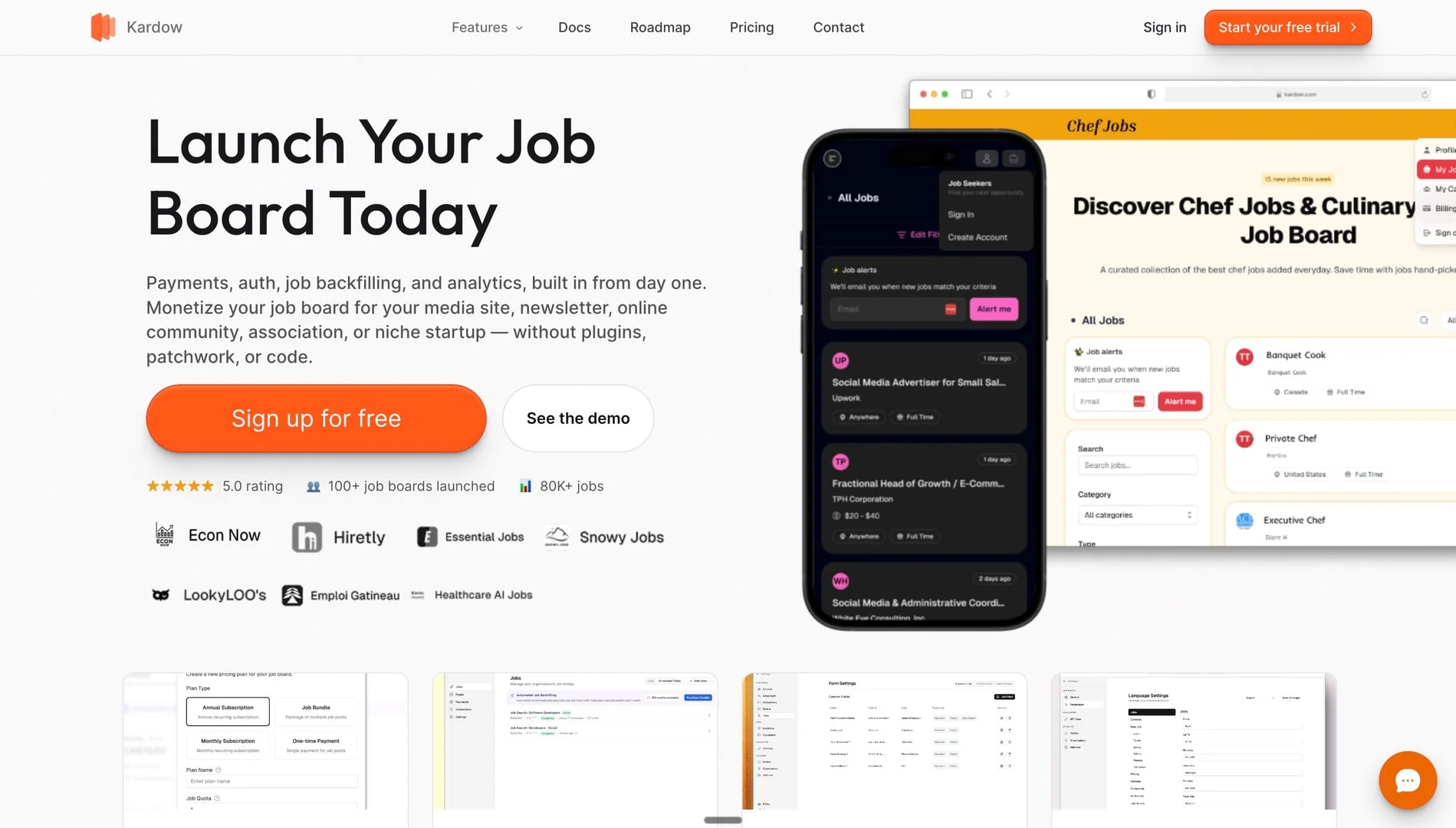
Best For: Entrepreneurs and creators who want a designer template they can adjust in plain language, built-in monetization, and bundled import credits.
Kardow pricing
| Plan | Monthly | Annual | Included Credits |
|---|---|---|---|
| Starter | $79/month | $708/year | 2,000/month |
| Pro | $179/month | $1,608/year | 8,000/month |
| Scale | $379/month | $3,408/year | 25,000/month |
Kardow's published pricing includes a 14-day free trial. Annual billing is presented as $59, $134, and $284 per month, charged yearly.
Key features
Kardow currently starts at $79/month with no job limit, with an optional $299 one-time launch service on Starter (included on Pro and Scale). You pick one of its designer templates, then use the AI editor, included on every plan, to request changes in plain language: new sections, different colors, extra filters, or a new layout. It edits the template you chose rather than building a site from a brief, which makes it the closest competitor to Cavuno's AI website builder in this comparison.
AI-powered scraping automatically imports relevant jobs based on keywords and locations. Each plan includes monthly import credits (2,000–25,000 depending on tier), with Enterprise available for custom rollout needs.
Monetization is flexible: one-time job posts on Starter, plus subscriptions, packages, and paywalls on Pro. Stripe integration means you keep 100% of revenue.
Pro also adds custom email domains, Google OAuth, Fast Indexing, developer API access, custom fields, advanced filters, and AI-powered screening questions. Scale adds invoicing, custom payment links, unlimited team seats, and up to three separate job boards.
Pros
- AI editor applies plain-language design and layout edits to its templates on every plan
- 2,000 import credits included on Starter
- Subscriptions, packages, and paywalls on Pro
- 0% platform fees on your revenue
- Modern, clean interface
Cons
- Newer platform with limited track record
- Backfiller credits cost extra after initial allocation
- Fewer enterprise features than established competitors
- Smaller support team
Verdict
Kardow is an option for entrepreneurs who want a template they can adjust in plain language and built-in monetization. The $79/month entry point includes import credits, though credit needs can add up at volume and Starter offers an optional $299 launch service. Factor in your expected aggregation needs when comparing total cost.
6. SmartJobBoard

Best For: Professional associations, recruitment agencies, and media companies with larger budgets who want proven technology.
SmartJobBoard pricing
Revenue share or flat-fee subscription. Contact sales for pricing.
Key features
SmartJobBoard says it has operated since 2008 and serves more than 400 organizations. Buyers should still test current workflows, implementation support, and contract terms rather than treating vendor age as a performance guarantee.
The platform includes AI-powered matching to connect candidates with relevant jobs. Payments run through Stripe and PayPal.
Tools exist for both employers and job seekers. XML feed importers are available on higher tiers for job aggregation.
Pros
- SmartJobBoard says it has served 400+ organizations since 2008; that customer measure differs from a lifetime count of boards
- Revenue share model works well for associations
- Stripe and PayPal payment processing
- Strong SEO and Google Jobs integration
- Established customer base validates the model
Cons
- Pricing requires contacting sales
- Limited customization beyond templates
- Basic applicant tracking compared to dedicated ATS tools
- Interface feels dated compared to newer platforms
Verdict
SmartJobBoard is the reliable workhorse for organizations wanting battle-tested technology and revenue-share pricing. If you prioritize stability over cutting-edge features, it's a solid choice. Just expect to pay premium prices.
7. JobBoard.io
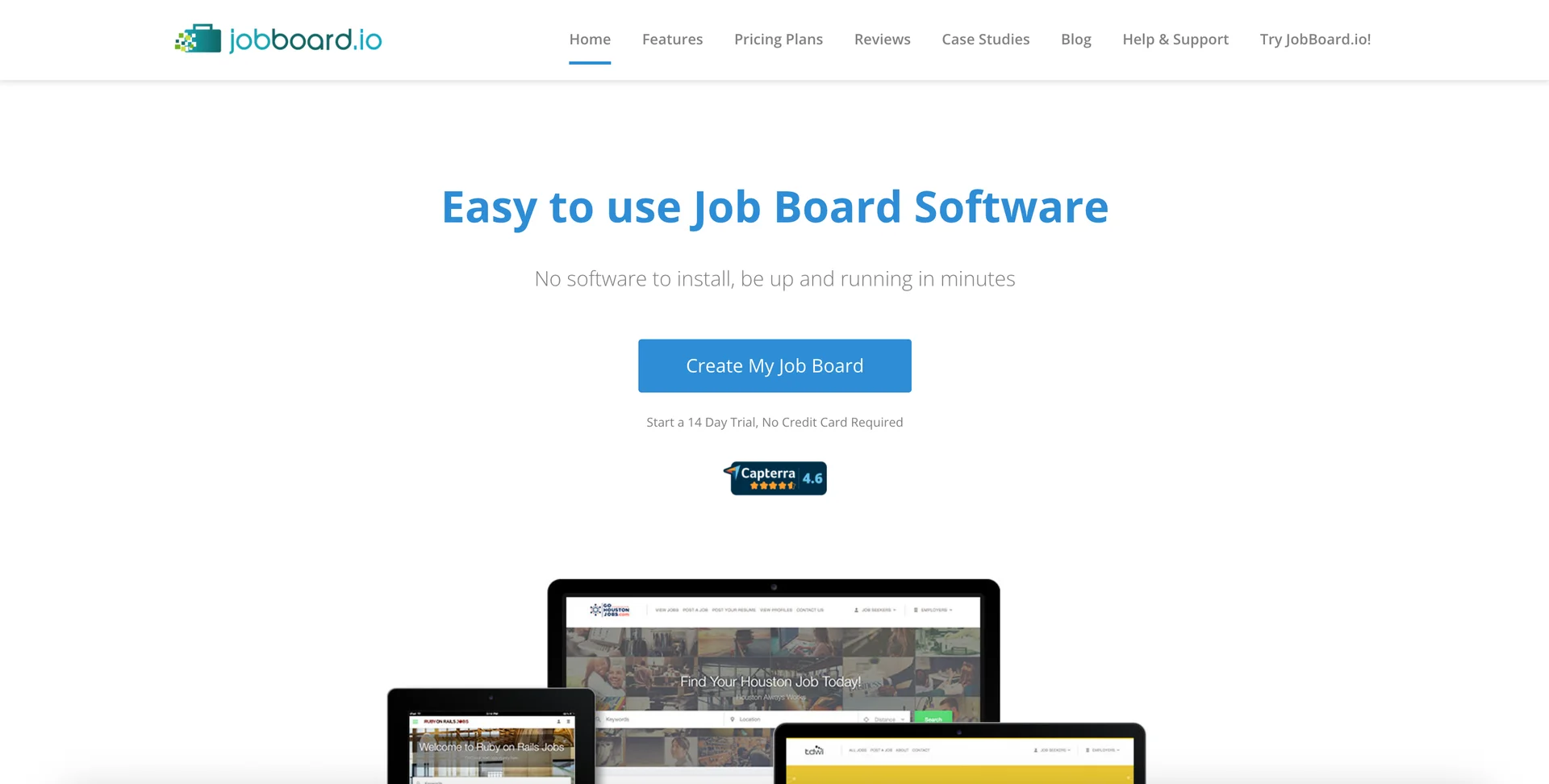
Best For: Media companies, publishers, and enterprises who need reliable platform with strong support.
JobBoard.io pricing
| Plan | Monthly Price | Key Features |
|---|---|---|
| Basic | $449/month | Core features, job posting |
| Professional | $649/month | Enhanced features, Indeed backfill |
| Enterprise | Custom | API access, custom solutions |
14-day free trial available.
Key features
The platform has created over 3,000 job boards and is owned by ZipRecruiter.
The platform emphasizes purpose-built software. It's designed specifically for job boards, not retrofitted from a CMS or other product. Instant setup is advertised at 30 seconds to launch a basic board.
Indeed.com backfill integration helps populate listings quickly. The platform holds a 4.6/5 rating on review platforms.
Pros
- Enterprise-grade platform trusted by major publishers
- Exceptional customer support
- Active Facebook community for users
- Purpose-built for job boards
- ZipRecruiter backing provides stability
Cons
- API access only on Enterprise tier
- Less flexibility than some competitors for customization
Verdict
If you're a publisher or media company looking for enterprise reliability and strong support, JobBoard.io's track record and ZipRecruiter backing make it worth a look.
8. Artha Job Board
Best For: Creators, communities, and entrepreneurs wanting to launch quickly with a free-to-start model.
Artha Job Board pricing
| Plan | Price | Key Features |
|---|---|---|
| Starter | Free | Active-job limit listed as 200 or 1,050 (the pricing page conflicts), custom domain, SSL, monetization |
| Growth | $79/month ($65 annual equivalent) | Enhanced features and higher limits |
| Scale | $149/month ($120 annual equivalent) | AI matching, resume parser, and smart search |
Key features
Artha takes a creator-friendly approach with its genuinely free Starter plan. Artha's pricing page lists Starter's active-job limit as 200 in a tooltip and 1,050 in its table, so confirm the limit before you plan around it. You can get a job board running in under 10 minutes with no coding required. The platform includes AI-powered candidate matching that analyzes skills, experience, and preferences.
Its Smart Backfiller fills your board with active job listings even if you don't have employer relationships yet. Backfilling and smart imports help keep content fresh.
Monetization options include charging for job posts, selling subscription packages, and implementing paywalls for premium features. Google Jobs integration boosts discoverability.
Pros
- Free to start with genuinely useful free tier
- 10-minute setup time with no coding
- AI-powered matching and auto-backfilling
- Native mobile apps available
- Multi-language support
Cons
- Newer platform with smaller user base
- Some advanced features still in development
Verdict
Artha suits creators who want to test a job board concept at zero cost. The free Starter plan is generous, though limitations emerge as you scale beyond the free tier.
9. Getro
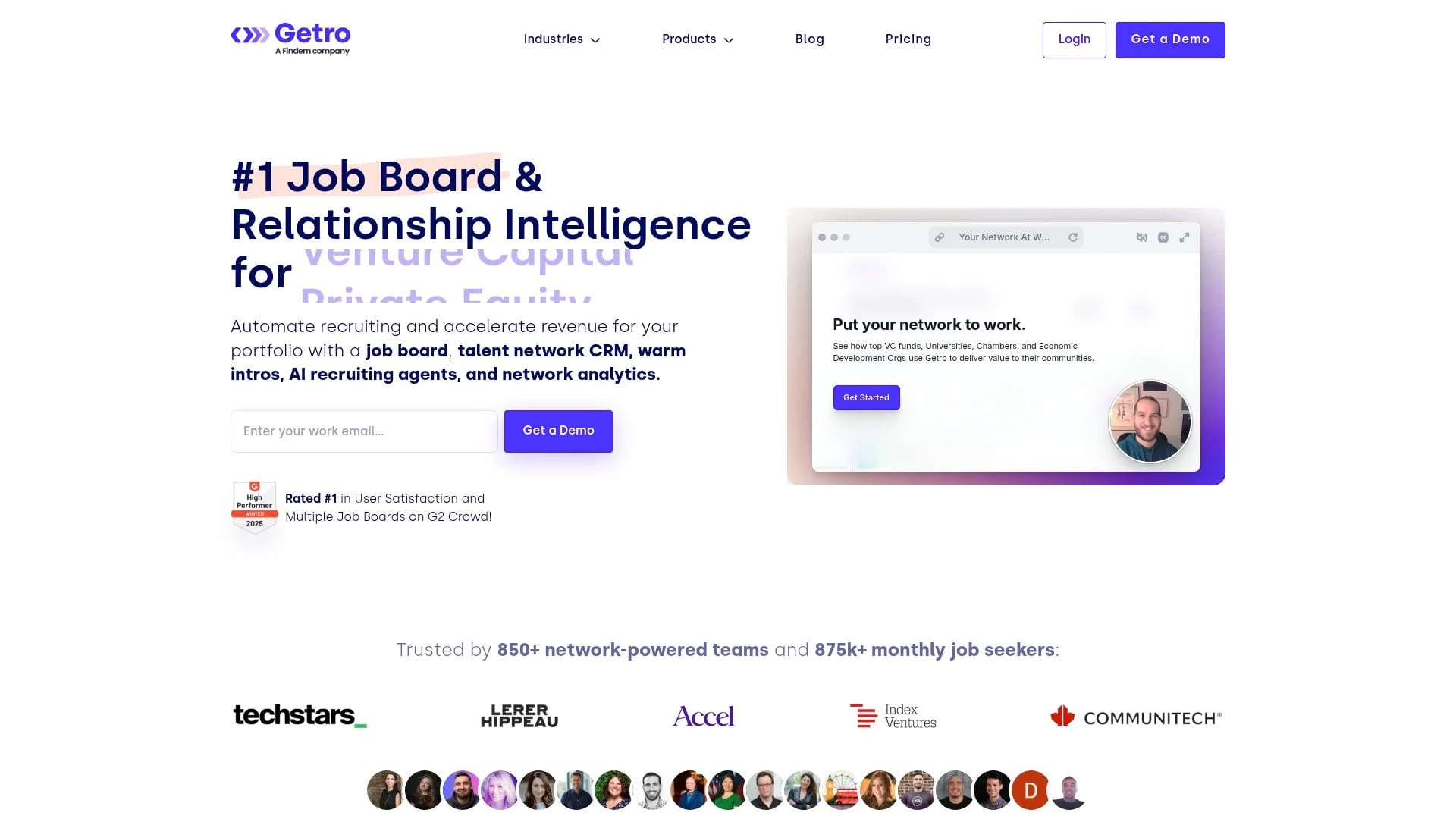
Best For: Venture capital firms, startup accelerators, chambers of commerce, and professional communities.
Note: Findem announced its acquisition of Getro in December 2025. Products continue operating under the Getro brand.
Getro pricing
| Plan | Price | Details |
|---|---|---|
| Manage | From $2,520/year ($210/month annual equivalent) | Custom branding, automatic job scraping, talent network |
| Connect | $6,300/year ($525/month annual equivalent) | Warm intro automation, enriched contact database |
| Scale | From $9,100/year | Connect features plus an enriched database of 800M+ people and 2M+ companies |
Getro's published pricing lists Manage from $2,520/year ($210/month annual equivalent), Connect from $6,300/year ($525/month annual equivalent), and Scale from $9,100/year. Manage includes API access and Zapier; Connect inherits Manage. Confirm API scope and any implementation fees in writing.
Key features
Getro specializes in creating job boards that aggregate open positions from a specific set of companies. This makes it perfect for VC portfolio job boards, accelerator networks, and regional economic development organizations. Getro's homepage says it serves 850+ networks.
The platform automatically scrapes career pages from your list of companies: ATS and job-platform listings update daily, while manually built careers pages update monthly. The warm intro feature facilitates connections between talent and hiring managers within your network.
Getro says G2 users rank it #1 in User Satisfaction, and it cites 875,000+ monthly job seekers across the platform. AI-powered matching connects candidates to roles based on skills, location, and experience.
Pros
- Automatic job aggregation from company career pages
- Warm intro feature for facilitated connections
- Perfect for VC portfolio and accelerator job boards
- Clean, professional interface
- Strong customer support
- Getro says G2 users rank it #1 in User Satisfaction
Cons
- Not designed for traditional employer-paid job boards
- Limited monetization options compared to general platforms
- Recent acquisition may bring changes
Verdict
Getro is the clear choice for VC firms, accelerators, and economic development organizations who want to create value by connecting their network's talent with member company opportunities. It's purpose-built for this use case in ways general platforms aren't.
10. YM Careers
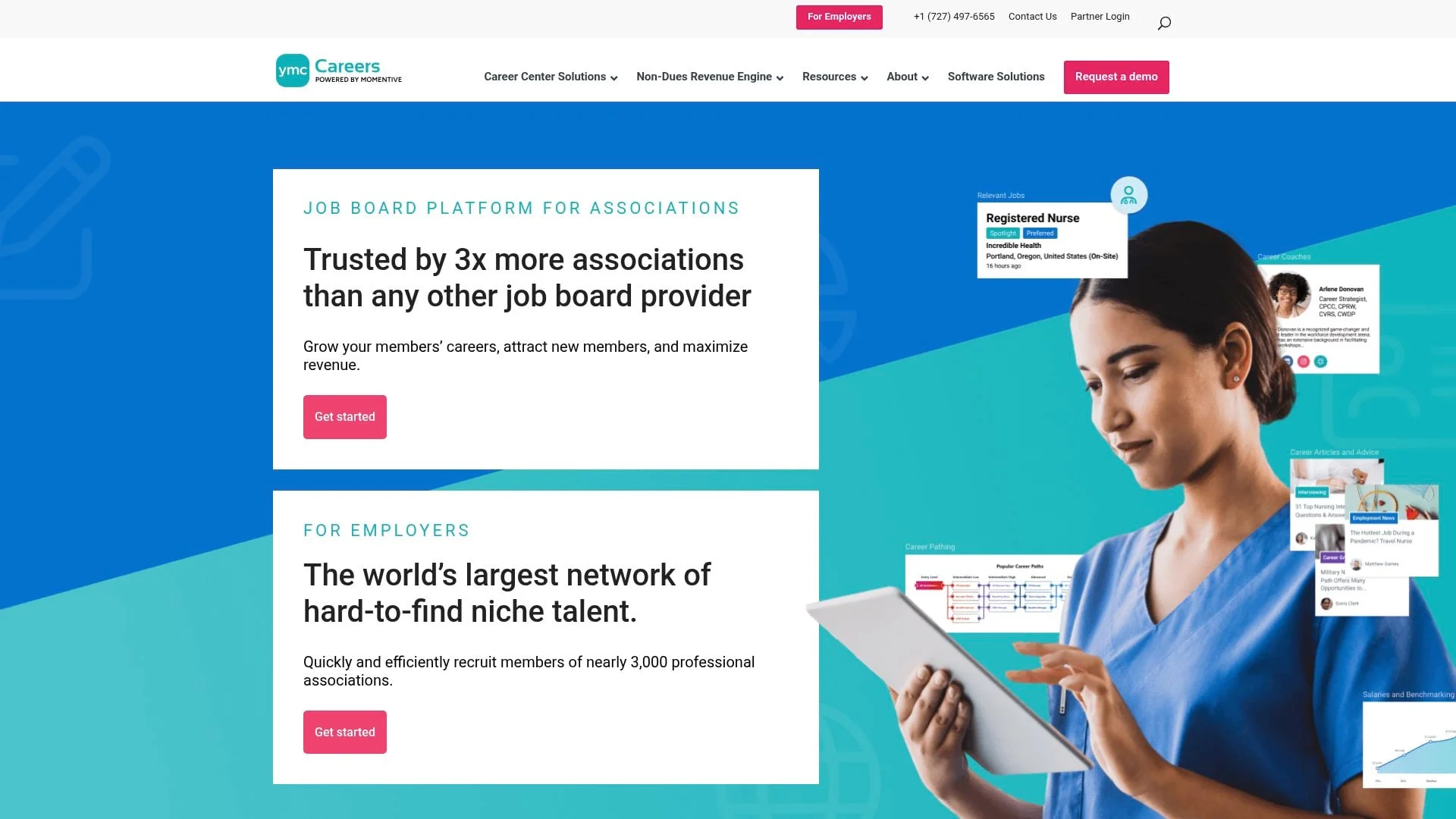
Best For: Professional associations wanting a turnkey career center with sales support.
YM Careers pricing
YM Careers is now Momentive Careers. It does not publish pricing; its offer includes employer sales support, so confirm setup costs and commercial terms with the vendor.
Key features
Momentive says it hosts 3x more association career centers than any other platform. What sets it apart is the full-service approach: their recruitment advertising sales team (the largest in the industry) actively sells job postings to employers on your association's behalf.
The platform includes career resources beyond job listings: career path tools, self-assessments, resume critiques, and professional development content. This positions your association as a complete career destination rather than just a job board.
Integrations with YourMembership and Nimble AMS support member experiences and data flow.
Pros
- Active sales team sells postings on your behalf
- Momentive says it hosts 3x more association career centers than any other platform
- Career development resources included
- YourMembership and Nimble AMS integrations
Cons
- No public pricing; commercial terms require a sales conversation
- Less control over sales process
- Primarily suited for associations, not independent operators
Verdict
YM Careers is ideal for associations who want a hands-off approach to job board monetization. Its sales support means you generate income without building a sales function; get the commercial terms in writing, since pricing is not published.
11. WP Job Manager
Best For: WordPress users who want full control and are comfortable with plugins.
WP Job Manager pricing
WP Job Manager has 70,000+ active installs on WordPress.org. The core plugin is free, while its first-party add-ons and bundles are paid; the site currently advertises bundles from $159/year. Hosting and any third-party extensions cost extra.
Key features
WP Job Manager is a WordPress plugin maintained by Automattic (WordPress.com parent company). If your site already runs on WordPress and you want to add job board functionality without a separate platform, this is the path of least resistance.
Full control comes with full responsibility. You'll manage hosting, security, and updates yourself.
Pros
- Free core plugin
- Full control and ownership
- Extensive WordPress ecosystem integration
- Large user community
- Backed by Automattic
Cons
- Requires WordPress expertise
- Self-hosting means managing security and performance
- Add-on costs accumulate quickly
- Less polished than dedicated SaaS platforms
Verdict
WP Job Manager suits WordPress power users who want maximum control and don't mind technical management. For everyone else, dedicated SaaS platforms offer a smoother experience. For a detailed comparison of WP Job Manager and other WordPress options, see our WordPress job board plugins guide.
12. Careerleaf
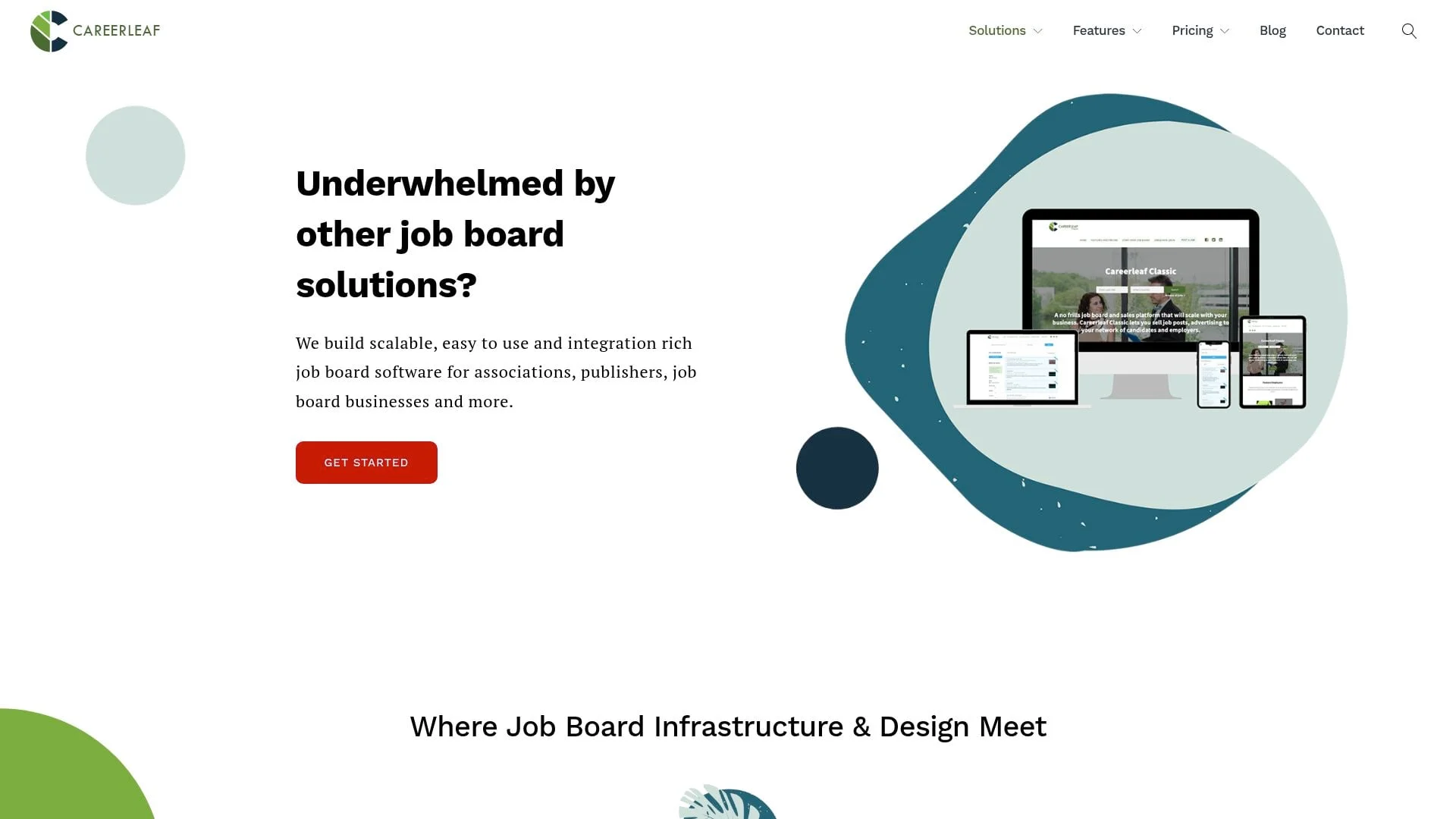
Best For: Associations and membership organizations needing branded job boards with strong integrations.
Careerleaf pricing
Careerleaf’s job-board pricing lists Publisher at $750 one-time plus $300/month, Classic at $850 plus $349/month, and association-focused Community at $5,000 plus $549/month. Corporate career-portal pricing is published on a separate page, which lists a $1,750 setup fee plus $250 per subsidiary, a $150 monthly base, and per-subsidiary fees of $50 on Basic (minimum six) or $100 on Premium (minimum three). Compare the product that fits your operating model.
Key features
Careerleaf focuses specifically on associations and membership organizations, helping them enhance their employer branding. The platform offers integrations with Salesforce, AgileCRM, Google Analytics, Google Tag Manager, and SkyPrep, plus membership-database SSO from $550 on Classic and above, and branded job boards that feel native to member experiences.
An applicant tracking system is included on Classic and Corporate (not Publisher or Community), and is also sold as an add-on ($500 setup + $50/month).
Pros
- Integrations with Salesforce, AgileCRM, Google Analytics, Google Tag Manager, and SkyPrep
- Membership-database SSO from $550 on Classic and above
- Branded experiences for members
- Transparent pricing
Cons
- Higher setup fees
- Less suited for independent entrepreneurs
- Smaller user base than major competitors
Verdict
If you're running an association with existing member management infrastructure, Careerleaf's integrations may justify the investment. Independent operators should look at more general-purpose platforms.
13. Madgex
Best For: Career centers, large associations, publishers, and enterprises needing expert guidance.
Madgex pricing
Enterprise pricing. Contact sales for quotes. Pricing based on traffic volume and requirements.
Key features
UK-based Madgex (now a Wiley brand, acquired by John Wiley & Sons in 2020) offers enterprise-grade job board technology with a consultative partnership approach for publishers and associations.
True AI and machine learning power the matching engine, built on Madgex's extensive data set. Deep integration with content management systems lets publishers combine career content with job listings, positioning your site as a career destination rather than just a job board.
Pros
- Enterprise-grade stability
- True AI/ML capabilities
- Deep content integration for publishers
- White-glove service and consultation
- Wiley backing provides long-term stability
Cons
- Enterprise pricing excludes small operators
- Longer implementation timelines than self-serve platforms
- Consultative approach requires more involvement
Verdict
Madgex suits large organizations who want a strategic partner rather than just software. The consultative approach adds significant value but requires enterprise-level investment.
14. Jobiqo
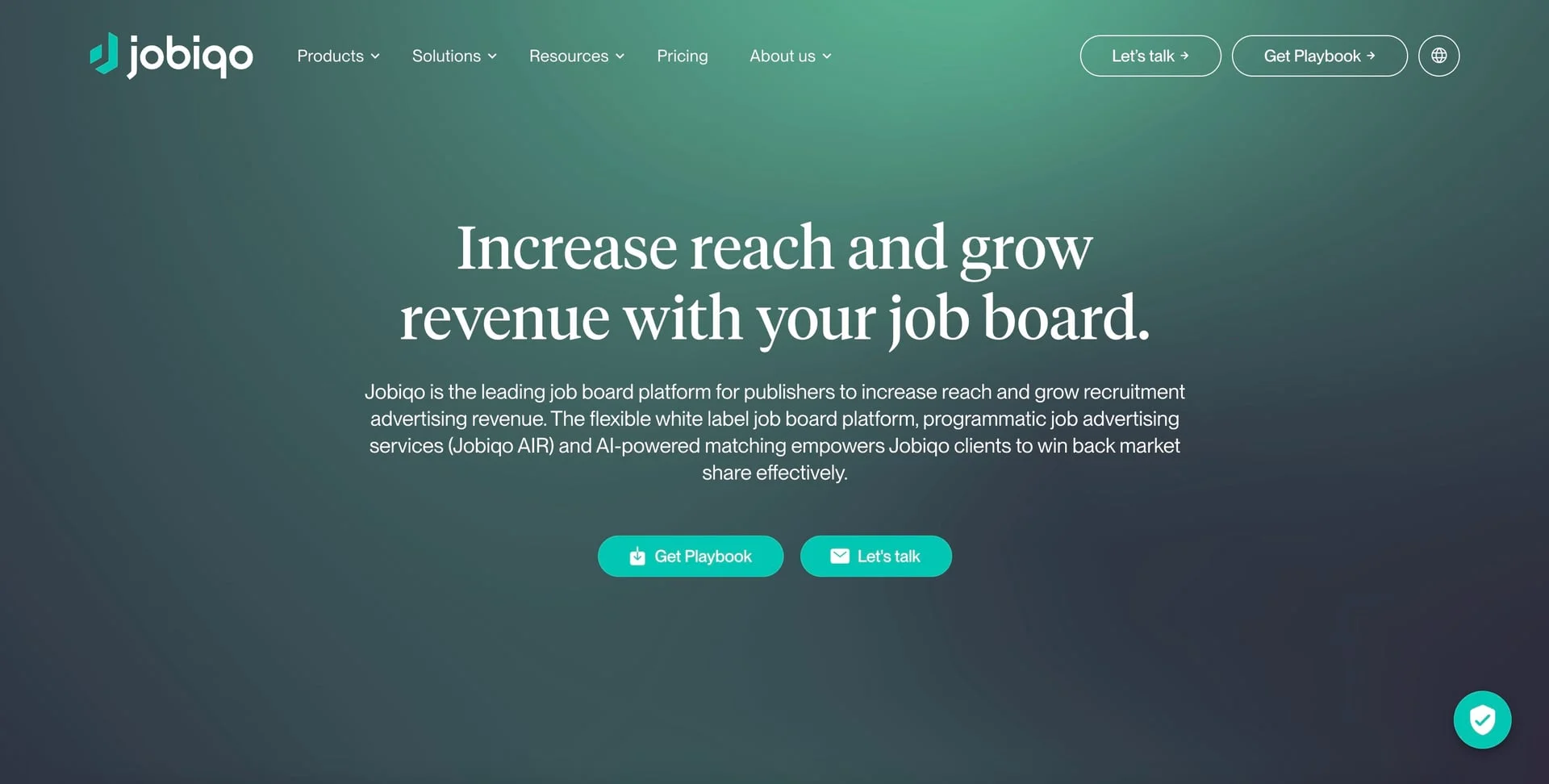
Best For: Publishers, media companies, and large associations wanting enterprise-grade technology with AI capabilities.
Jobiqo pricing
Custom pricing based on requirements. Request a written quote covering implementation, modules, support, and contract length.
Key features
Jobiqo says it serves 200+ customers in 25+ countries, including 350+ media publishers and brands. The platform combines a scalable SaaS foundation with AI-powered matching technology.
The product suite includes Jobiqo Whitelabel for custom job boards, Jobiqo AIR for programmatic job advertising including social media automation, and Jobiqo Search & Match for AI-powered candidate-job matching.
Publishers with multiple brands that want to run several niche job boards should check multi-site support with Jobiqo. The platform emphasizes SEO performance and includes tools for Google Jobs integration. Global presence with offices in London, Vienna, Paris, Munich, and DC.
Pros
- Enterprise-grade stability
- AI matching technology developed since 2017
- Built for publishers with multiple brands (check multi-site support)
- Strong SEO tools and Google Jobs optimization
- Global presence and support
Cons
- Enterprise pricing puts it out of reach for small operators
- Requires sales consultation for pricing
- Implementation takes longer than self-serve platforms
- Not suited for solopreneurs
Verdict
Jobiqo is the right choice for publishers and media companies who need enterprise reliability, multi-brand support, and sophisticated AI capabilities. The modular pricing means you pay for what you need, but expect enterprise-level investment.
15. Job Board Fire
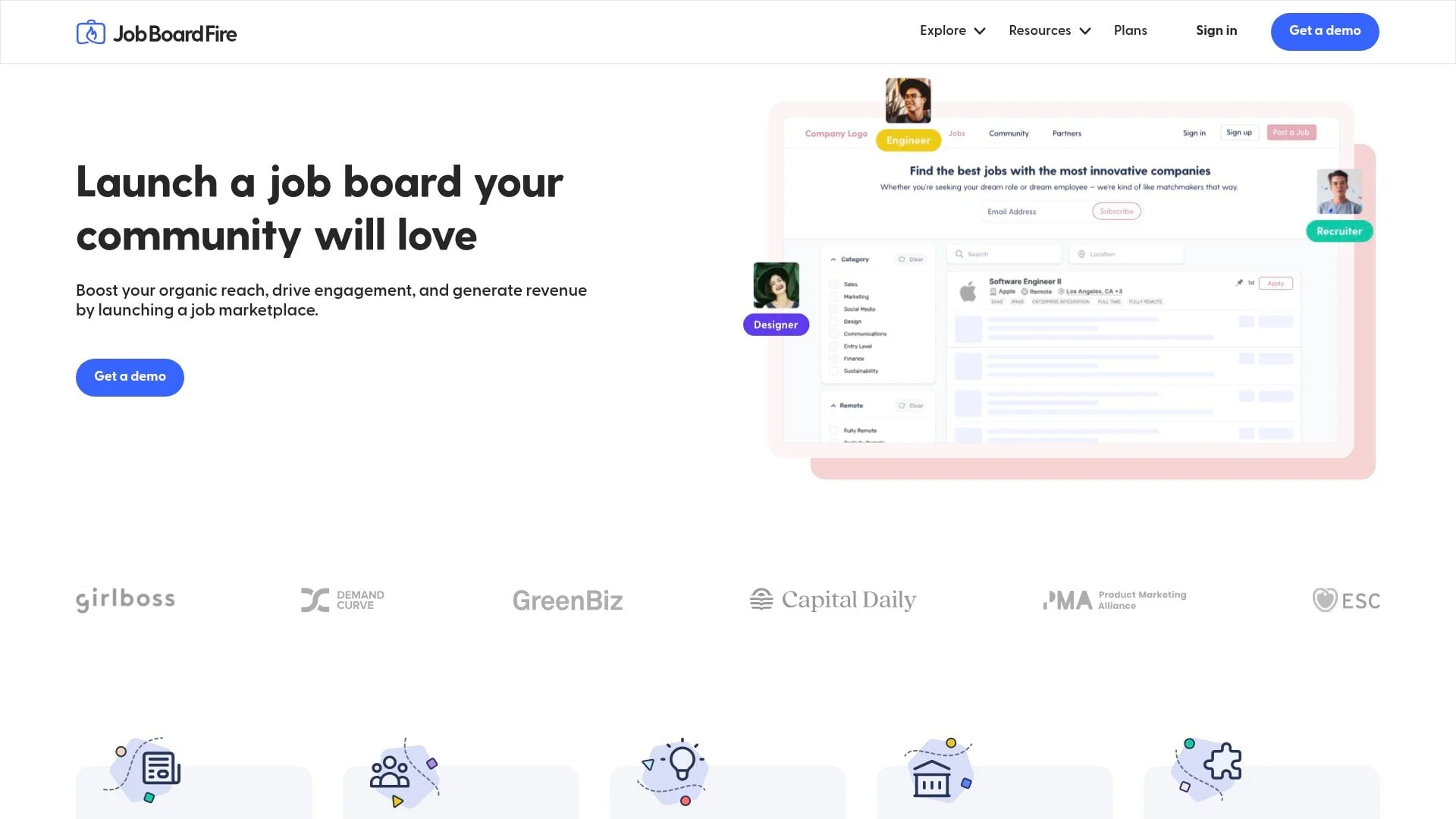
Best For: Communities, non-profits, and niche operators wanting quick setup with real-time messaging features.
Job Board Fire pricing
Plans start at $250/month for their Essential plan, Business and Enterprise are custom priced.
Key features
Job Board Fire emphasizes speed and simplicity. You can have a branded job board live within minutes. The standout feature is real-time messaging that lets job seekers and employers connect instantly within the platform, marketed as "the only solution with real-time messaging."
The modular approach means you start with core features and add capabilities as you scale. SEO tools optimize posts for organic discovery.
Credit card payments, invoicing, and subscriptions are built in, and the employer applicant tracking system lets hirers manage applications with customizable recruitment workflows. The platform also offers LinkedIn-style professional connections.
Pros
- Very fast setup (minutes to launch)
- Real-time messaging unique in category
- Built-in ATS for employers
- Solid SEO optimization
- LinkedIn-style networking features
Cons
- Smaller user community
- Less documentation than major competitors
- Must get a demo to get access to the platform
Verdict
Job Board Fire's real-time messaging feature genuinely differentiates it from competitors. If facilitating direct connections between candidates and employers is important for your niche, this is worth evaluating.
16. eJobSiteSoftware
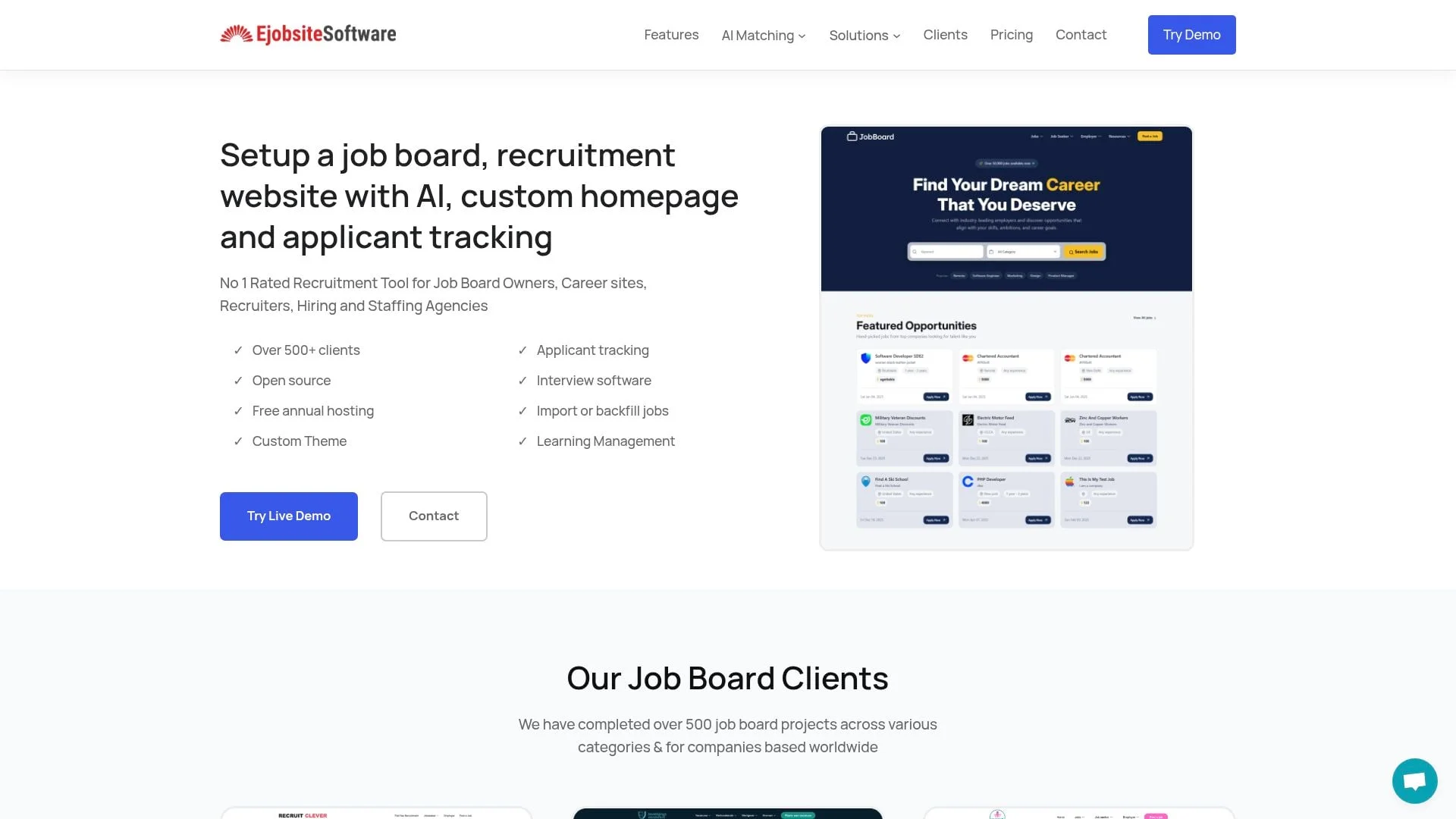
Best For: Technical users who want complete ownership with a one-time purchase.
eJobSiteSoftware pricing
$600 one-time payment. Includes source code, custom homepage design, installation, first year of support, and optional 5GB annual hosting. Ongoing hosting available after first year.
Key features
eJobSiteSoftware has served 500+ clients across verticals including healthcare, IT, and local job boards. For organizations wanting to avoid recurring SaaS fees, this one-time purchase model offers long-term savings.
Features include employer and job seeker modules, applicant tracking, XML job backfilling, and AI job matching. Built on LAMP stack (Linux/Apache/MySQL/PHP). Built-in themes allow customization.
Pros
- One-time payment (no recurring SaaS fees)
- Full source code access for customization
- Self-hosting option for complete control
- Proven platform with 500+ clients
- Includes first year of hosting and support
Cons
- Requires technical expertise for self-hosting
- No free trial (must commit to $600 purchase)
- Updates and maintenance are your responsibility
- Interface looks dated compared to modern SaaS
Verdict
eJobSiteSoftware suits technical users who want ownership and control without ongoing subscription costs. The one-time $600 investment can save money long-term, but you'll need PHP/MySQL skills or budget for developer support.
17. Oru
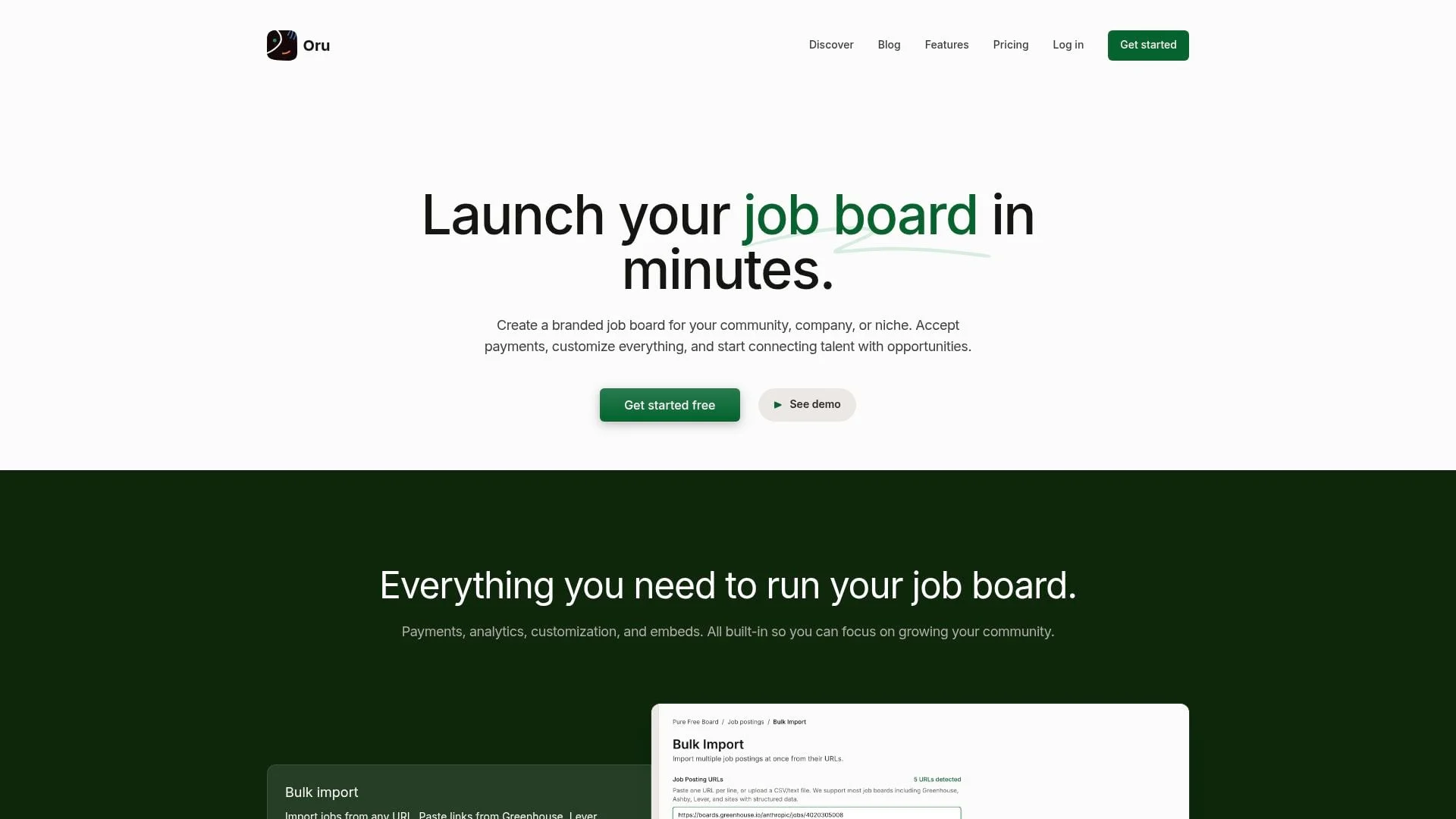
Best For: Newsletter writers, Slack/Discord community managers, and creators monetizing their audience.
Oru pricing
| Plan | Price | Details |
|---|---|---|
| Free | $0 + revenue share | Marginal rates: 20% on the first $1,000/month, 15% on the next $4,000, 10% above $5,000 |
| Pro | $49/board/month + the same revenue share | White-label, remove branding |
Key features
Oru is designed specifically for creators and community operators who want to add a job board without complex setup. You can launch a branded job board in minutes and embed it on your website or newsletter.
The free tier has no upfront costs. Oru takes a percentage of paid job postings, aligning their success with yours. Key features include RSS feeds, embeddable job widgets, and the ability to redirect applications to external ATS systems.
Oru imports a single job post from a careers page link, and Pro adds auto-import from a database. Custom subdomains are included free (yourboard.oru.club), and Oru's homepage lists a custom domain with SSL on Pro.
Pros
- Free to start with revenue-share model
- Built specifically for creators and communities
- Easy embedding in newsletters and websites
- Imports a single job post from a careers page link
- Multiple boards from one dashboard
Cons
- Limited features compared to full-featured platforms
- Custom domain with SSL requires the Pro add-on
- Smaller platform with less proven track record
Verdict
Oru suits creators who want a simple job board for their newsletter or community. The free tier with revenue share means zero upfront cost, though the revenue share model costs more as your board scales.
18. Jobbex
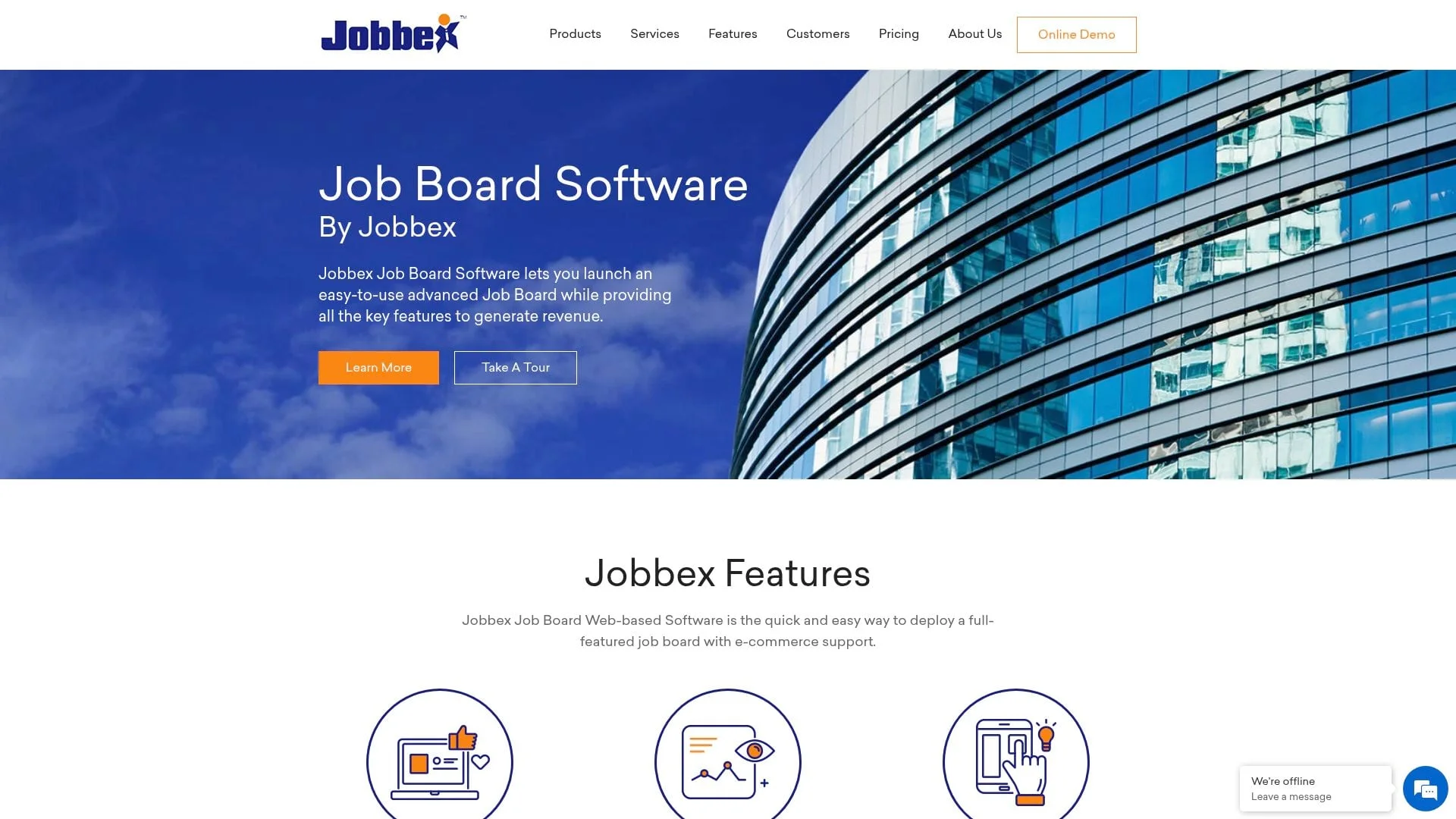
Best For: Organizations wanting a proven, licensed job board solution with 26+ years of track record.
Jobbex pricing
Jobbex's current site describes its hosted SaaS, with pricing from $295/month.
| Plan | Price | Details |
|---|---|---|
| Standard | $295/month + one time setup fee | Full featured job board with no monetisation |
| e-Commerce | $495/month + one time setup fee | Charge for resume access, job posts, and memberships |
Key features
Avidweb Technologies has built job board software since 1999. This track record makes it one of the most proven options for organizations wanting stability.
The platform includes full-featured job posting with pre-screening questions, resume database with search, email marketing tools, applicant tracking, and detailed reporting. SEO features include auto-generated meta tags, Google structured data, and search-friendly URLs.
The e-Commerce edition adds Authorize.net payment processing (additional gateways available), flexible membership plans, job packages, and upsells like featured listings. Administrators control every aspect through a web-based console. No programming required.
Jobbex exports jobs to RSS, Juju, and Indeed.
Pros
- Avidweb Technologies has built job board software since 1999
- Fully hosted SaaS
- Full feature set out of the box
- Flexible monetization with membership plans and job packages
- Proven scalability for high-traffic sites
Cons
- Interface looks dated compared to newer platforms
- Authorize.net as default payment processor (others available)
- Less modern AI/ML features than newer competitors
Verdict
Jobbex suits organizations who prioritize proven reliability over cutting-edge features. Avidweb Technologies' track record since 1999 shows the platform can handle serious job board operations. Best for those who want a stable, feature-complete solution without the risk of newer platforms.
19. Spacewalk
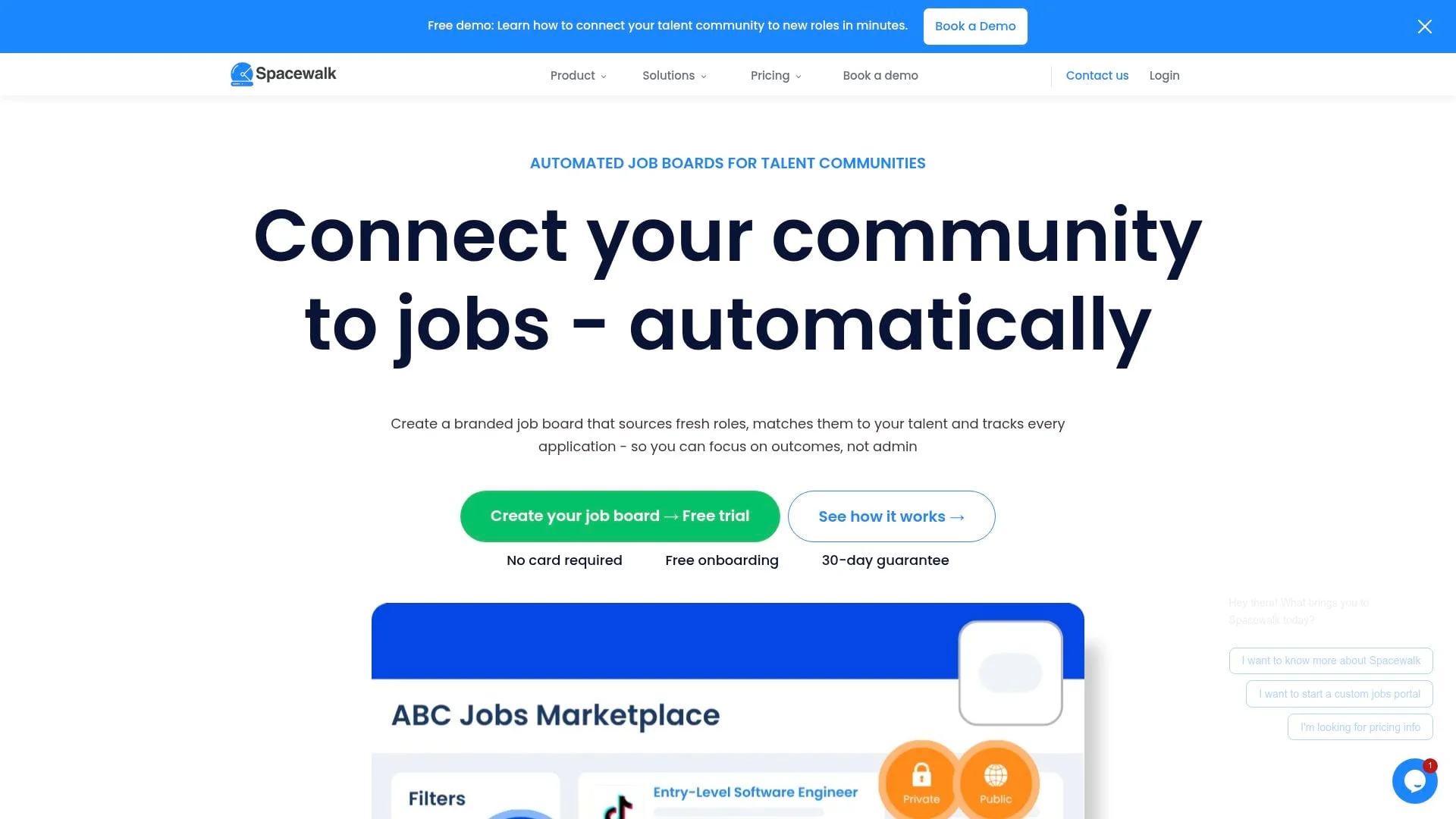
Best For: Skills bootcamps, training providers, universities, and talent communities wanting automated job matching.
Spacewalk pricing
| Plan | Monthly Price | Key Features |
|---|---|---|
| Starter | £61/month (£49 annual equivalent) | 100 active opportunities |
| Pro | £149/month (£119 annual equivalent) | 1,000 active opportunities |
| Scale | £199/month (£159 annual equivalent) | 3,000+ active opportunities |
14-day free trials are available on Starter and Pro; Scale uses a demo.
Key features
Spacewalk positions itself as an "intelligent job board platform" designed specifically for talent communities: education providers, training academies, alumni networks, and professional associations. The optional Job Stream add-on costs £39/month per category on any plan and sources fresh roles matching your criteria.
The platform automatically removes expired jobs and uses AI to match and notify talent when relevant positions appear. You can configure job criteria by specialty (software engineering, cyber, data, AI), location, and experience level. Jobs are sourced directly from employers rather than aggregators.
Launch takes minutes. Customize branding, configure your job stream criteria, and invite learners or members with a single click. Analytics and reporting help demonstrate employment outcomes to funders and stakeholders.
Clients include skills bootcamps, adult education providers, university career offices, and professional associations across the UK and beyond.
Pros
- Optional Job Stream automates employer-direct sourcing from any country
- Built specifically for education and training outcomes
- Unlimited admin seats included
- Strong analytics for demonstrating ROI to funders
- Quick launch (minutes, not weeks)
- NVIDIA Inception and AWS Activate backing
Cons
- Newer platform with smaller market presence
- Custom domains and premium branding require Scale
- AI URL importing costs an additional £25/month
- Application status tracking costs an additional £40/month
Verdict
Spacewalk excels for education providers, bootcamps, and associations who need to connect learners or members with jobs automatically. The focus on employment outcomes and funder reporting makes it particularly valuable for government-funded training programs. Employer posting fees are supported with no revenue share; include add-on costs in your comparison.
20. Web Scribble
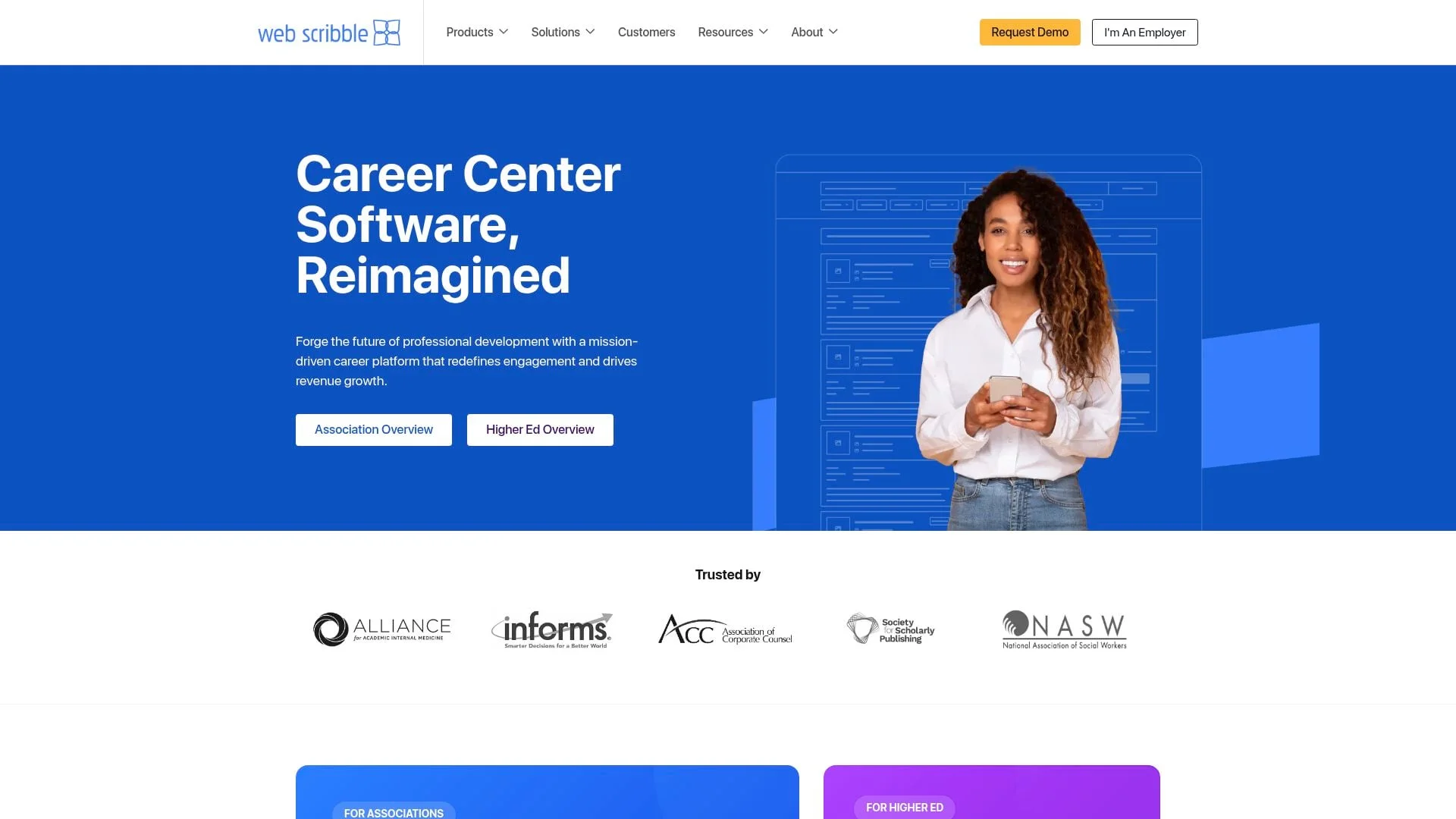
Best For: Associations and universities wanting full-service career center software with dedicated support.
Web Scribble pricing
Contact for custom pricing. Web Scribble says partners set their own prices and keep the revenue. No free trial available.
Key features
Web Scribble has spent 20 years focused on career centers and reports 99% client retention. The platform goes beyond basic job boards to offer complete career center solutions: job boards, virtual career fairs, mentoring programs, and career resources.
For associations, Web Scribble emphasizes non-dues revenue generation through employer advertising and premium features, and reports 41% average growth in non-dues revenue for its partners. Their dedicated sales team can actively sell job postings on your behalf, similar to YM Careers' model.
AI-powered job recommendations analyze user behavior to suggest relevant opportunities. The platform integrates with AMS and CRM systems (iMIS, Microsoft Dynamics 365, Higher Logic, Salesforce) and offers detailed analytics for tracking engagement and revenue.
Career fairs functionality allows hosting virtual hiring events. The mentoring module connects members for professional development. Career path tools help members explore advancement opportunities.
Pros
- 20 years focused on career centers
- Full career center suite (jobs, fairs, mentoring, resources)
- Partners set their own prices and keep the revenue
- Strong AMS integrations
- Dedicated sales support available
- 99% client retention
Cons
- No free trial available
- Pricing requires sales consultation
- Some reviews mention interface can be dated
- 3-year contract terms reported by some users
Verdict
Web Scribble suits established associations and universities wanting a full career center, not just a job board. The full suite of features (fairs, mentoring, career resources) justifies the investment for organizations serious about member career development. Just be aware of contract terms before signing.
21. TrueJob
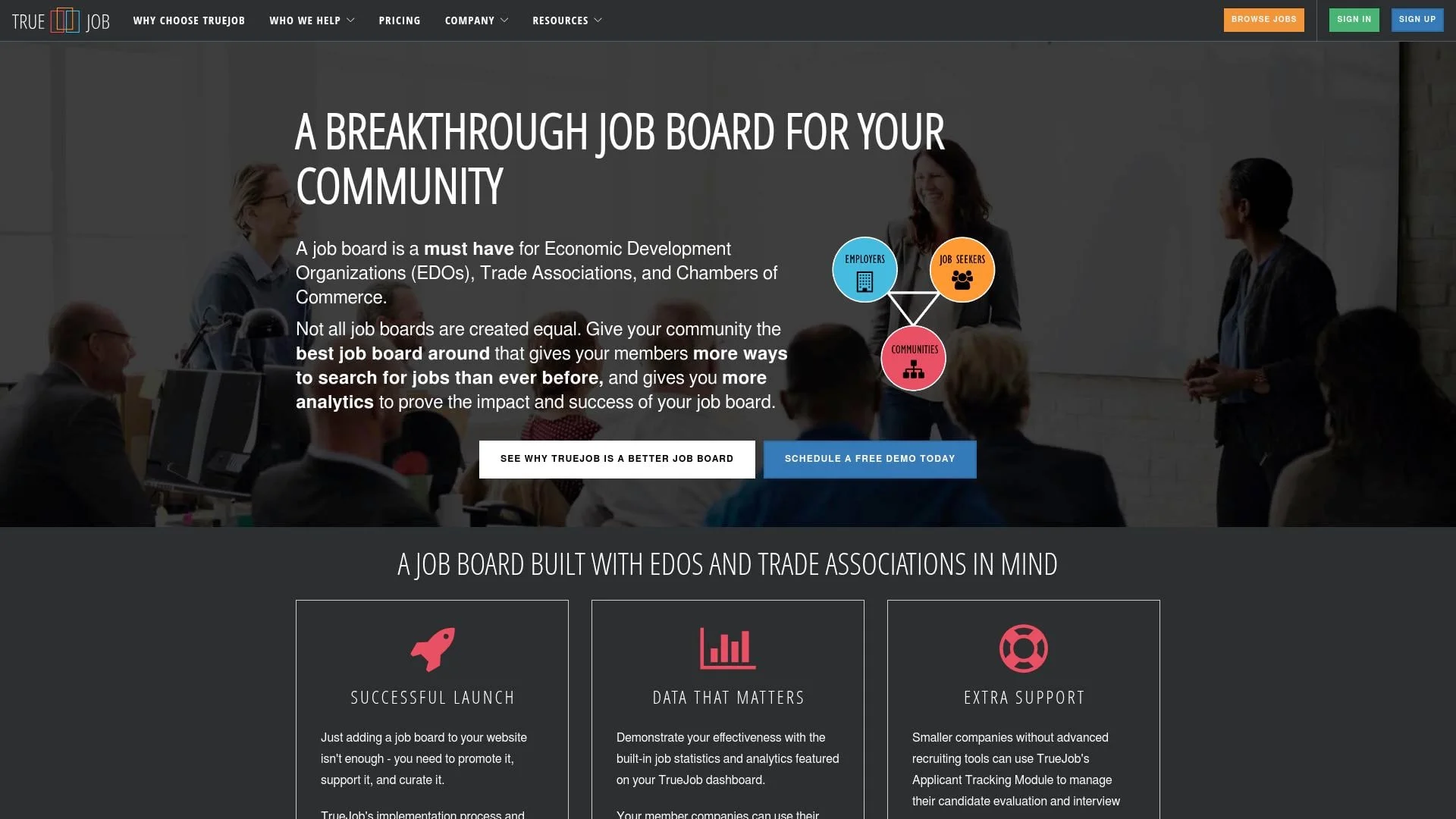
Best For: Economic Development Organizations (EDOs), chambers of commerce, and trade associations.
TrueJob pricing
| Plan | Monthly Price | Annual Billing | Region Size |
|---|---|---|---|
| Free trial | $0 | Trial terms | 5 active jobs; vendor retains 50% of job-post revenue |
| Enterprise | $475/month | $425/month equivalent | Unlimited jobs; customer retains 80% of job-post revenue |
TrueJob's pricing page lists an $850 one-time implementation fee for Enterprise.
Key features
TrueJob specializes in job boards for community-focused organizations: EDOs, chambers of commerce, and trade associations. The platform emphasizes analytics to prove impact.
Implementation includes a promotional campaign template to ensure successful launch, not just software delivery.
The Applicant Tracking Module helps smaller member companies without recruiting tools manage their hiring process, assisting even individual recruiters. Employer dashboards let companies track posting effectiveness. Job seekers get advanced search capabilities and mobile-friendly access.
The board is branded to match your existing website, and TrueJob handles hosting, maintenance, and automatic feature updates.
Pros
- Purpose-built for EDOs and chambers
- Strong analytics for demonstrating community impact
- Implementation support with promotional templates
- Built-in applicant tracking for employers
Cons
- Higher starting price ($475/month, or $425/month billed annually)
- Smaller platform compared to enterprise competitors
Verdict
TrueJob is the specialist choice for economic development organizations and chambers of commerce who need to demonstrate job creation impact to stakeholders. The focus on analytics, community outcomes, and implementation support justifies the premium pricing for organizations serious about workforce development.
22. Boxwood GO (Naylor)
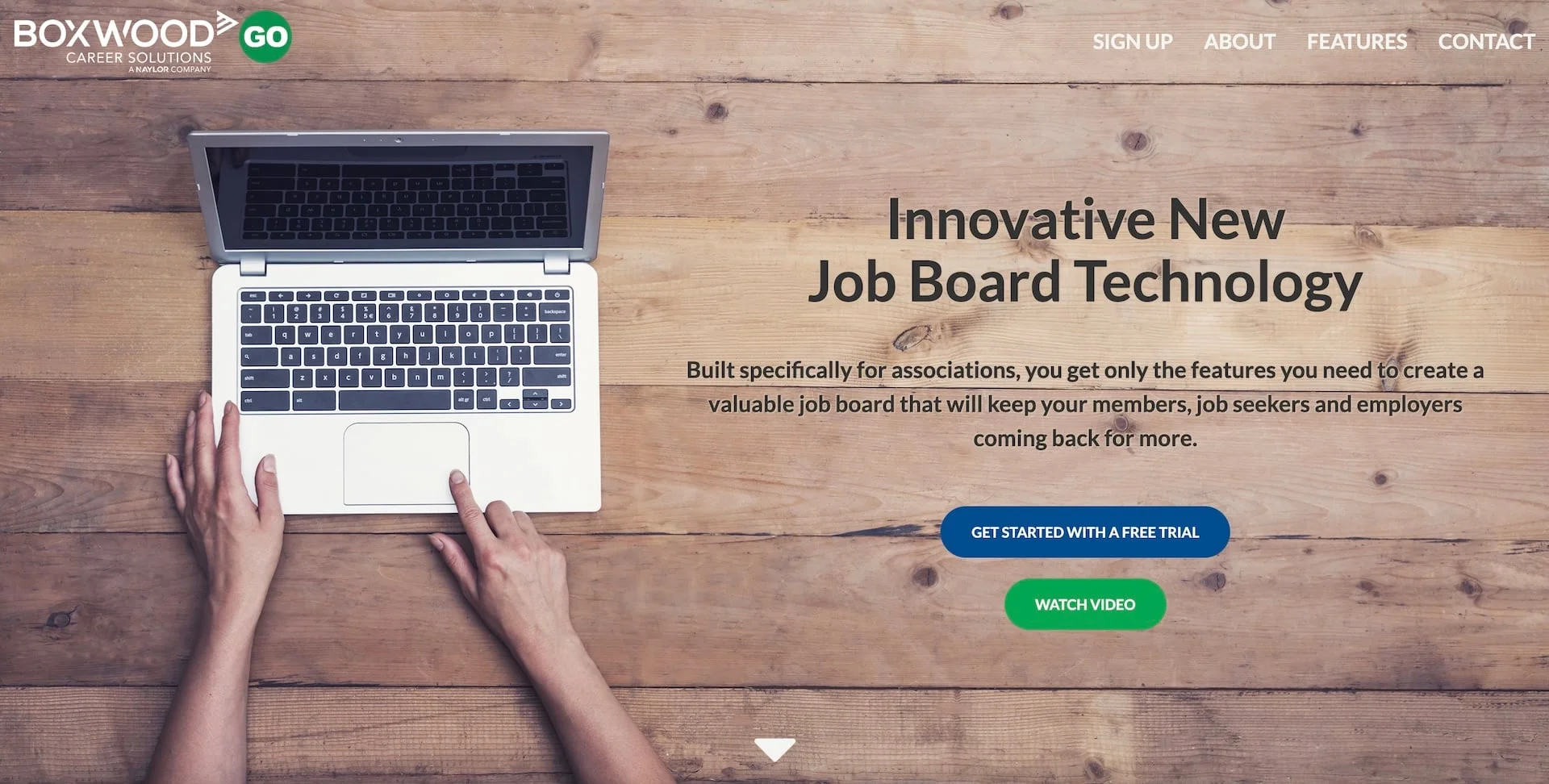
Best For: Small to mid-size associations wanting an affordable, simple job board from Naylor.
Boxwood GO pricing
Starting at $49/month with 30-day free trial. Naylor also sells a full Boxwood Career Center; ask Naylor for its terms.
Key features
Boxwood GO is the entry-level job board from Naylor Association Solutions, designed specifically for associations who want simplicity over feature overload. ASAE (American Society of Association Executives) has endorsed Naylor's Boxwood career center since 2002; that endorsement covers the broader Boxwood Career Center, not GO specifically.
The platform includes only essential features: job posting, social media sharing, analytics, and pre-populated jobs to start. Setup is straightforward: confirm branding, choose a plan, and launch. Little ongoing maintenance required. Associations keep 100% of revenue.
For associations that outgrow GO, Naylor offers a full Boxwood Career Center with additional features including career fairs, mentoring, content solutions, and dedicated sales support.
The platform matches your website's branding with logo and color customization. Social sharing tools help increase job board visibility. Analytics demonstrate the value of your career center to stakeholders.
Pros
- Most affordable association-focused option ($49/month)
- Backed by Naylor, whose Boxwood career center ASAE has endorsed since 2002
- Simple, no-frills approach
- Pre-populated jobs at launch
- Minimal ongoing maintenance
- Keep 100% of revenue
- Clear upgrade path to full Naylor suite
Cons
- Limited features compared to full-featured platforms
- Less customization than competitors
- Admin interface reported as dated by some users
Verdict
Boxwood GO is the smart choice for smaller associations who want a proven, affordable job board without complexity. Naylor backing (its Boxwood career center has been ASAE-endorsed since 2002) provides credibility, while the $49/month price point makes it accessible for organizations with limited budgets. Upgrade to full Boxwood when you're ready for more features.
23. JobMount
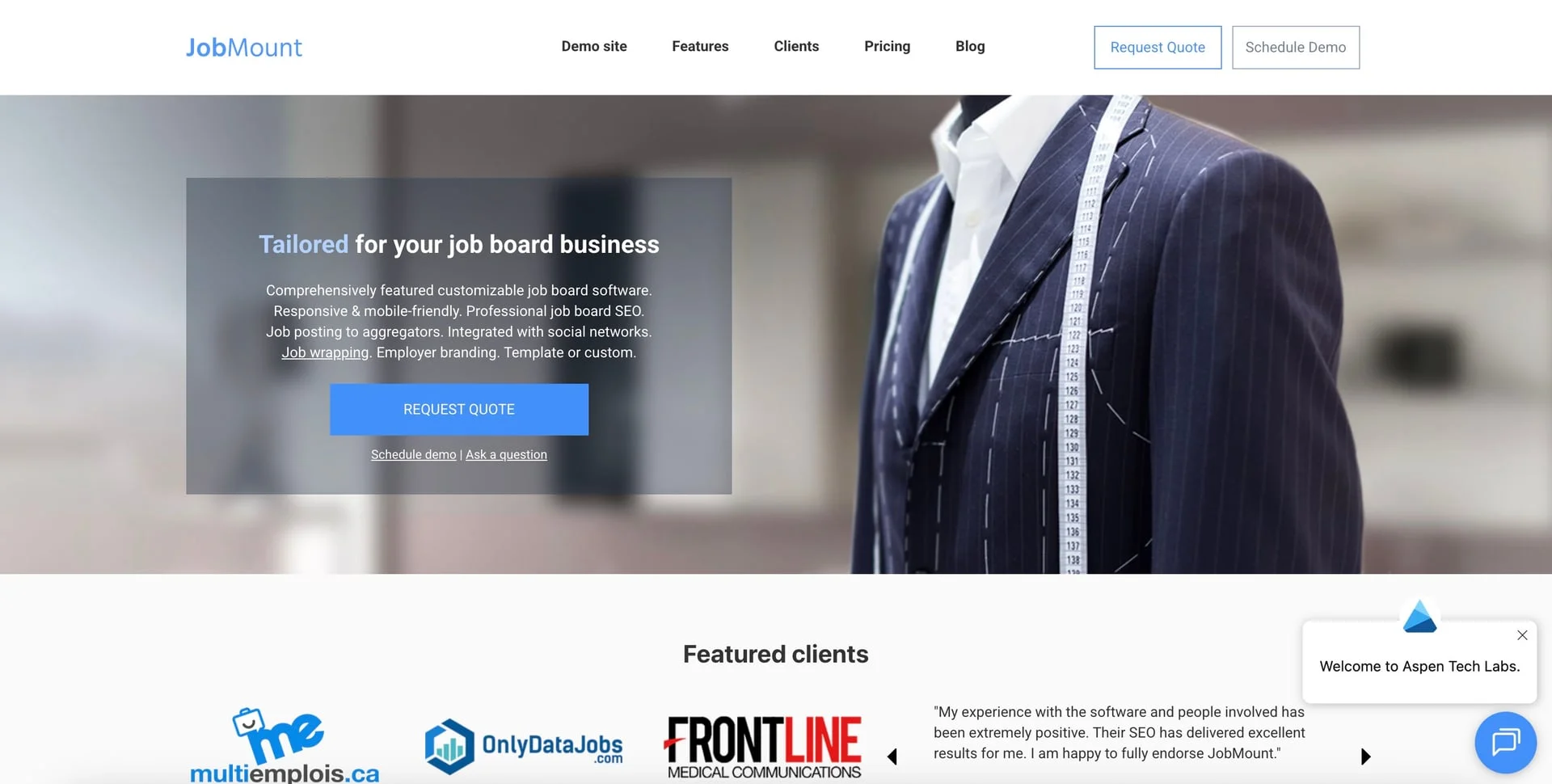
Best For: Larger organizations and agencies wanting high customization, source code ownership, and enterprise-grade features.
JobMount pricing
| Plan | One-Time Fee | Monthly Fee | Details |
|---|---|---|---|
| Hosted | Request quote | Request quote | Vendor-hosted deployment |
| Standalone license | Request quote | Varies | Self-hosted deployment and source-code option |
Job scraping and backfill services available for additional fees.
Key features
JobMount (by Aspen Tech Labs) has been powering job boards since 2012, offering an enterprise solution with options for both hosted and self-hosted deployment. The platform emphasizes converting job boards into sales funnels with strong revenue generation tools.
Automated SEO technology analyzes job content and creates optimized landing pages to attract organic traffic. The SEO Dashboard provides advanced controls for fine-tuning search performance. Job distribution integrates with major aggregators including Indeed and ZipRecruiter.
Job wrapping technology automatically downloads jobs from employer career pages, cleans up content, and posts to your board. This lets you offer employers a hands-off posting experience while building content.
CareerSiteCloud integration enables fully branded employer mini-sites with custom application processes and targeted landing pages for hard-to-fill positions. The platform includes reporting for job board performance, sales pipeline, and client advertising KPIs.
For organizations wanting full control, the standalone source code license ($9,500) provides non-encrypted code that your development team can modify without restrictions. This can help you build a robust online career center.
Pros
- Source code license available for complete ownership
- 12+ year track record with proven stability
- Powerful job wrapping/scraping technology
- Strong SEO automation tools
- Flexible deployment (hosted or self-hosted)
- Comprehensive revenue generation features
Cons
- Very high upfront cost ($4,950+ activation)
- Monthly fees on top of one-time costs (except standalone)
- Not suitable for bootstrapped entrepreneurs
- Requires larger budget than most alternatives
Verdict
JobMount is built for serious operators with enterprise budgets who need maximum customization and potentially source code ownership. The high upfront investment ($4,950-$14,450) puts it out of reach for most entrepreneurs, but established businesses and agencies managing multiple high-traffic job boards will find the full feature set and deployment flexibility worth the premium.
The bottom line
The job board market continues growing. Projections suggest it could reach $43 billion by 2027. Niche boards consistently outperform general platforms for both employers and candidates. The fundamentals that make online job boards attractive (high margins, compounding assets, and defensible positioning) haven't changed.
Modern software makes launching a job board accessible to anyone willing to put in the work. The technical barriers that once required developers are gone, and two platforms now build the site itself from a description: Cavuno's AI website builder from a brief, and Kardow's AI editor from a template. What remains is the hard work of building audience, creating value, and earning trust in your niche.
Start with software that matches your budget and needs. Our startup costs guide covers what to expect beyond platform fees. Validate your niche before over-investing. Focus on the chicken-and-egg problem: job openings attract candidates, candidates attract employers.
Most importantly, remember that software is just infrastructure. Your success depends on understanding your niche, serving both sides of the marketplace, and consistently delivering value. To build your audience, follow our marketing playbook. To attract your first employers, see our employer acquisition guide.
For a technical team, frontend flexibility should now be part of that comparison. Cavuno’s SDK adds a headless option: keep the managed job-board infrastructure, but replace the hosted frontend with your own application when design or product requirements demand it.
Next steps: Once you've chosen your platform, follow our complete guide on how to create a job board for step-by-step instructions on launching, monetizing, and growing your board.
Ready to launch your job board? Start with Cavuno or explore our comparison table above to find the platform that fits your needs.